Your marketing emails are bouncing back with cryptic error messages like “550 5.7.1 – Message rejected due to SPF failure,” and suddenly your carefully crafted campaigns are landing in digital limbo instead of customer inboxes.
The SPF 550 5.7.1 error is one of the most frustrating email authentication failures businesses encounter today. This error occurs when receiving mail servers reject your emails because your Sender Policy Framework (SPF) record fails validation, effectively telling the recipient server that your email isn’t authorized to be sent from your domain.
I. Understanding the SPF 550 5.7.1 Error
The 550 5.7.1 error is an SMTP (Simple Mail Transfer Protocol) response code that indicates a permanent delivery failure due to policy violations. When combined with SPF failures, it means the receiving server has determined that your email fails authentication checks and poses a potential security risk.
What Triggers This Error
SPF errors typically manifest when:
- Your SPF record is missing, malformed, or incomplete
- The sending IP address isn’t included in your SPF record
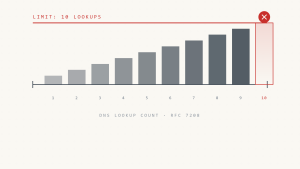
- Multiple DNS lookups exceed the 10-query SPF limit
- Syntax errors prevent proper SPF record parsing
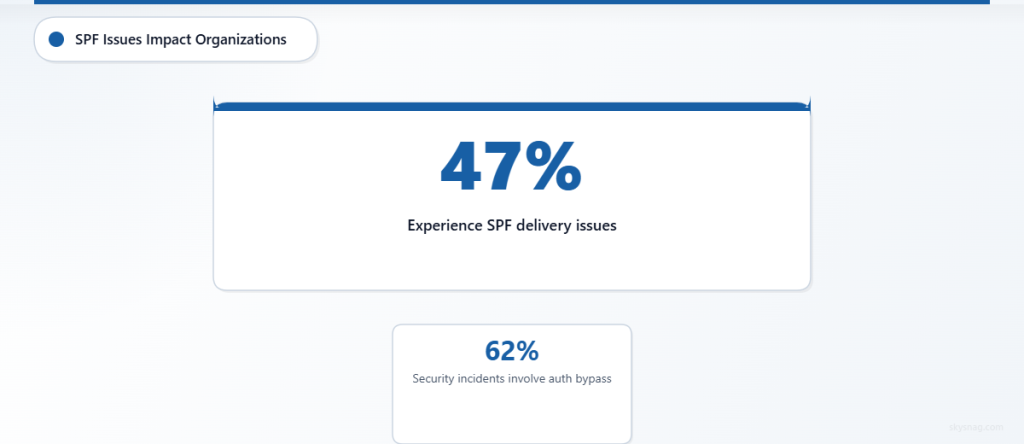
According to recent email security reports, 47% of organizations experience SPF-related delivery issues that impact their email marketing effectiveness, while 62% of email security incidents involve some form of authentication bypass that proper SPF configuration could prevent.
II. Step-by-Step SPF Error Diagnosis
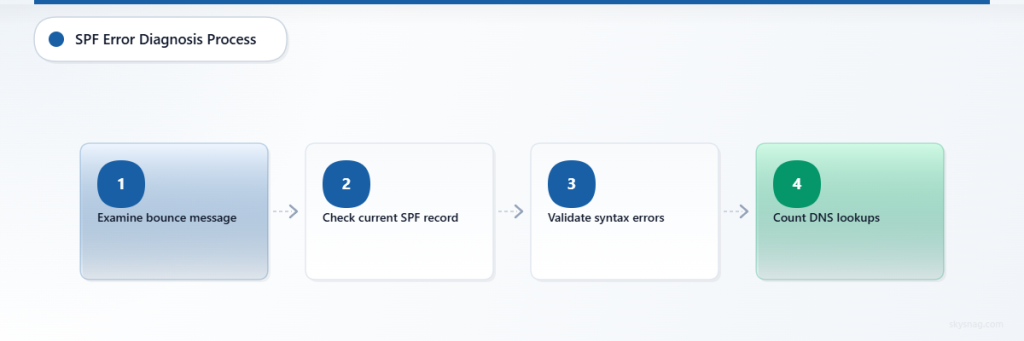
Step 1: Identify the Root Cause
Start by examining the complete bounce message to understand the specific failure:
550 5.7.1 Message rejected due to SPF failure:
Sender IP [192.168.1.100] not authorized by domain example.com
Look for key indicators:
- Sender IP address mentioned in the error
- Domain authentication failure specifics
- SPF mechanism that caused the rejection
Step 2: Verify Your Current SPF Record
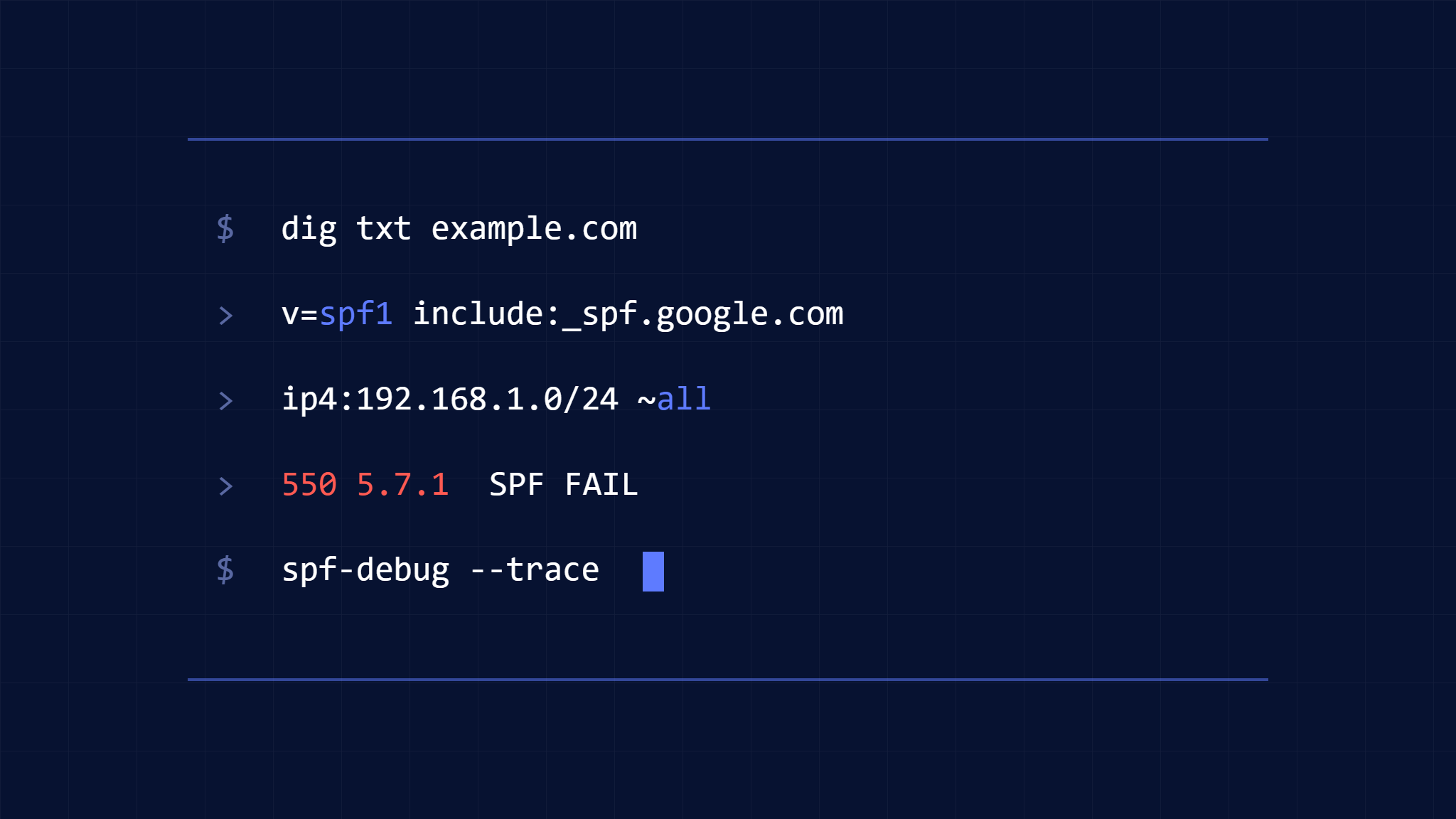
Check your existing SPF record using command-line tools:
nslookup -type=TXT yourdomain.comOr use online SPF lookup tools to examine your current configuration. Your SPF record should look something like:
v=spf1 include:_spf.google.com include:spf.protection.outlook.com ~allStep 3: Validate SPF Record Syntax
Common syntax errors that trigger 550 5.7.1 errors include:
- Missing
v=spf1prefix - Incorrect mechanism formatting
- Exceeding the 255-character DNS record limit
- Multiple SPF records for the same domain
Step 4: Check DNS Lookup Count
SPF records are limited to 10 DNS lookups to prevent infinite loops. Count your include: statements and nested lookups:
v=spf1 include:_spf.google.com include:mailgun.org include:_spf.salesforce.com ~allEach include: mechanism counts as one lookup, and mechanisms within included records also count toward your limit.
III. Fixing Common SPF Configuration Issues
Missing IP Addresses
If your bounce message shows an unauthorized IP address, add it to your SPF record:
v=spf1 ip4:192.168.1.100 include:_spf.google.com ~allToo Many DNS Lookups
Reduce DNS lookups by:
- Consolidating
include:mechanisms - Using
ip4:andip6:instead ofinclude:where possible - Flattening your SPF record to reduce dependencies
Incorrect Policy Qualifiers
Ensure your SPF record uses appropriate qualifiers:
~all(soft fail) for testing-all(hard fail) for production environments+all(pass all) should never be used
IV. Advanced SPF Troubleshooting Techniques
Analyzing Email Headers
Examine the Authentication-Results header in bounced emails:
Authentication-Results: mx.google.com;
spf=fail (google.com: domain of [email protected] does not designate 192.168.1.100 as permitted sender)
This header provides detailed information about which specific SPF mechanism failed.
Testing SPF Changes
Before implementing SPF changes in production:
- Use SPF testing tools to validate syntax
- Start with soft fail (~all) to monitor impact
- Monitor email delivery rates for 48-72 hours
- Gradually tighten policies once validation is complete
Modern email security platforms like Skysnag Protect provide real-time SPF monitoring and automated policy optimization, helping organizations prevent authentication failures before they impact email delivery.
Monitoring SPF Performance
Implement ongoing monitoring to catch SPF issues early:
- Set up DMARC reporting to track SPF failures
- Monitor bounce rates for authentication-related issues
- Use automated SPF validation tools
- Regularly audit sending infrastructure changes
V. Preventing Future SPF 550 5.7.1 Errors
Establish SPF Governance
Create processes to prevent SPF configuration drift:
- Document all authorized sending sources including marketing platforms, CRMs, and third-party services
- Implement change management for SPF record modifications
- Regular SPF audits to identify unauthorized or obsolete entries
Implement Comprehensive Email Authentication
SPF works best as part of a complete email authentication strategy:
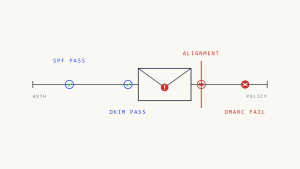
- DKIM signing for message integrity
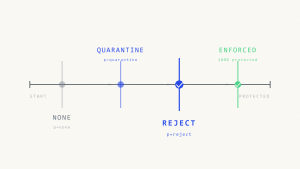
- DMARC policies for comprehensive protection
- Regular monitoring of authentication performance
Organizations using complete email authentication report 73% fewer email delivery issues and significantly improved inbox placement rates.
VI. Recovery and Remediation
Immediate Actions
When experiencing widespread SPF 550 5.7.1 errors:
- Identify the failing IP or service from bounce messages
- Add missing IP addresses to your SPF record immediately
- Use soft fail (~all) temporarily to restore email flow
- Monitor delivery improvement over 24-48 hours
Long-term Optimization
For sustained email deliverability:
- Implement automated SPF management tools
- Establish regular SPF record reviews
- Create incident response procedures for authentication failures
- Train teams on email authentication best practices
VII. Key Takeaways
SPF 550 5.7.1 errors are preventable with proper planning and monitoring. The key to resolution lies in systematic diagnosis, careful SPF record management, and ongoing validation of your email authentication infrastructure.
Remember that email authentication failures can severely impact business communications, marketing effectiveness, and customer relationships. Investing in proper SPF configuration and monitoring pays dividends in improved deliverability and enhanced security posture.
Ready to eliminate SPF errors and improve your email deliverability? Skysnag Protect provides automated SPF monitoring, real-time error detection, and intelligent policy optimization to keep your emails flowing smoothly to recipient inboxes.