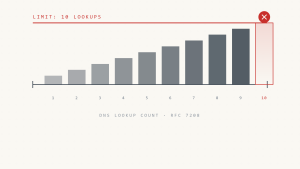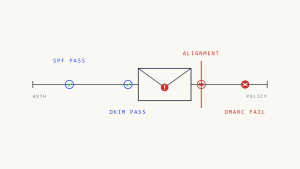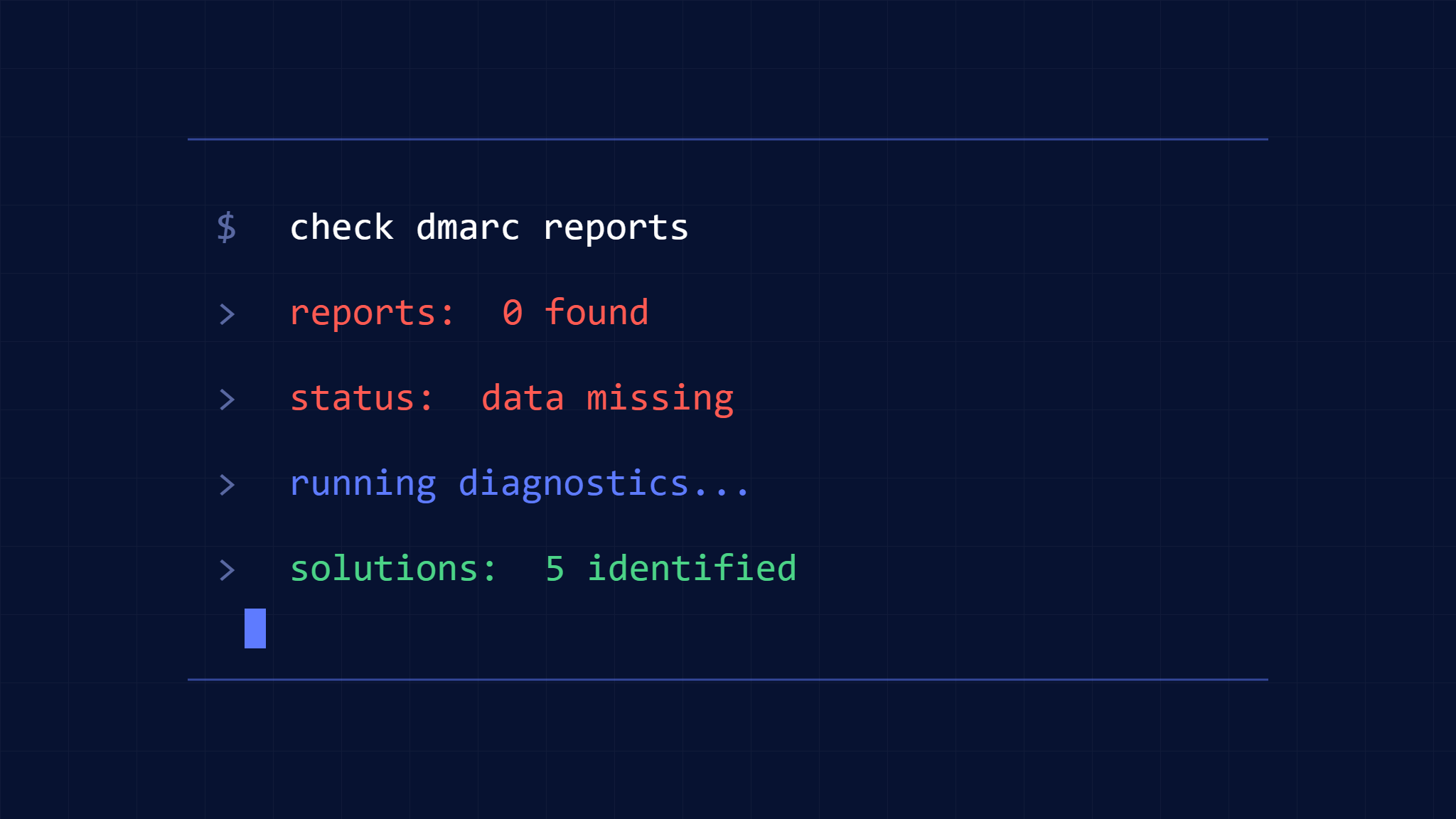
When your DMARC aggregate reports come back empty or incomplete, it can leave you wondering if your email authentication is working at all. Missing DMARC reports create blind spots in your email security posture, making it impossible to identify legitimate email sources, spot potential threats, or fine-tune your DMARC policy for optimal protection.
DMARC aggregate reports are your window into how email receivers handle messages claiming to come from your domain. When these reports show no data or fail to arrive entirely, the problem usually stems from configuration issues, DNS propagation delays, or reporting service limitations rather than the absence of email traffic.
This guide walks you through the five most common causes of missing DMARC aggregate report data and provides step-by-step solutions to restore complete visibility into your email authentication status.
I. Understanding DMARC Aggregate Report Dependencies
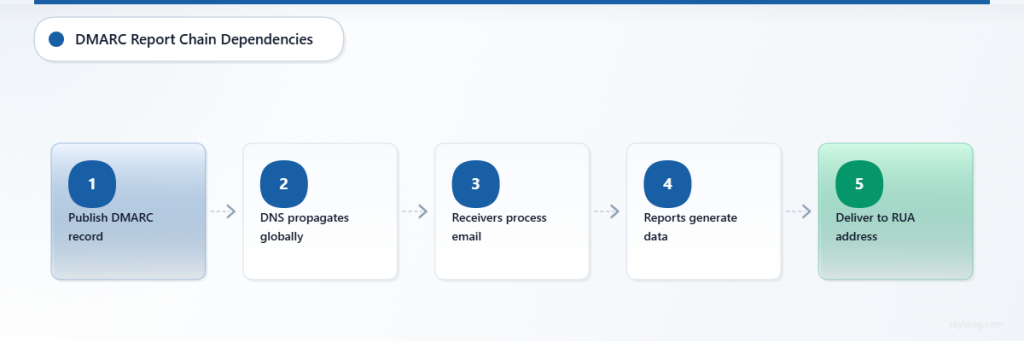
DMARC aggregate reports depend on a chain of properly configured components working together. Email receivers like Gmail, Outlook, and Yahoo generate these reports based on your published DMARC record, then send them to the reporting URI you specify.
For reports to contain meaningful data, several conditions must align:
- Your DMARC record must be correctly formatted and published
- DNS propagation must be complete across all major recursive resolvers
- Email receivers must successfully process messages from your domain
- The reporting service must be accessible and properly configured
- Sufficient time must pass for receivers to generate and deliver reports
When any link in this chain breaks, you end up with incomplete or missing aggregate report data.
II. 1. Incorrect DMARC Record Configuration
The Problem
Malformed DMARC records are the leading cause of missing aggregate report data. Even small syntax errors can prevent email receivers from generating reports or cause them to send reports to the wrong destination.
Common DMARC record mistakes include:
- Missing or incorrect
rua(aggregate report URI) tag - Malformed email addresses in the reporting URI
- Extra spaces or missing semicolons between policy tags
- Invalid policy values or unsupported tag combinations
The Solution
Step 1: Verify Your Current DMARC Record
Use a DNS lookup tool to check your published DMARC record:
dig TXT _dmarc.yourdomain.comYour DMARC record should follow this basic format:
v=DMARC1; p=none; rua=mailto:[email protected]Step 2: Validate DMARC Syntax
Check each component of your record:
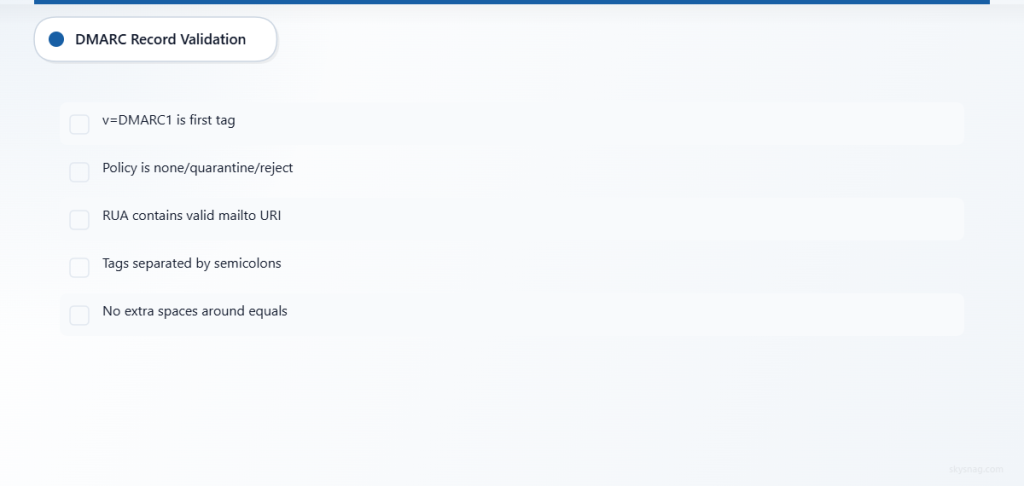
v=DMARC1must be the first tagp=policy must benone,quarantine, orrejectrua=must contain a valid mailto URI- All tags must be separated by semicolons
- No extra spaces around the equals signs
Step 3: Test the Corrected Record
After updating your DMARC record, verify the changes using multiple DNS lookup services to ensure consistent propagation.
Step 4: Monitor Report Delivery
Allow 24-48 hours for the first aggregate reports to arrive after publishing a corrected DMARC record.
III. 2. DNS Propagation and TTL Issues
The Problem
DNS propagation delays can create temporary gaps in DMARC report generation. If some DNS resolvers haven’t updated with your new or modified DMARC record, email receivers using those resolvers won’t generate reports according to your current policy.
High TTL (Time To Live) values compound this issue by instructing DNS resolvers to cache outdated records for extended periods.
The Solution
Step 1: Check DNS Propagation Status
Use online DNS propagation checkers to verify your DMARC record is visible from multiple global locations:
- Check at least 10-15 different geographic regions
- Focus on locations where your primary email traffic originates
- Verify both the record presence and content accuracy
Step 2: Reduce TTL Values
If you plan to make DMARC changes, lower your DNS TTL in advance:
- Set TTL to 300 seconds (5 minutes) before making changes
- Wait for the old TTL period to expire
- Make your DMARC record changes
- Restore normal TTL values after confirming propagation
Step 3: Monitor Propagation Timeline
Track how long full propagation takes for your domain:
- Document which DNS resolvers update first
- Note any resolvers that consistently lag behind
- Plan future changes around these propagation patterns
Step 4: Verify with Major Email Providers
Test DNS resolution specifically from major email providers’ resolvers:
- Google Public DNS (8.8.8.8)
- Cloudflare DNS (1.1.1.1)
- Quad9 DNS (9.9.9.9)
IV. 3. Reporting URI Accessibility Issues
The Problem
Email receivers must be able to deliver aggregate reports to your specified rua address. If the destination mailbox is full, the mail server is down, or the address doesn’t exist, reports will bounce or be discarded silently.
Additionally, some corporate email systems may block or quarantine large XML attachments, which is how aggregate reports are typically delivered.
The Solution
Step 1: Verify Email Address Functionality
Test your DMARC reporting address:
- Send a manual test email to the address
- Confirm the mailbox can receive and store messages
- Check that the address isn’t forwarding to a system that blocks attachments
Step 2: Configure Mailbox for High Volume
Prepare your reporting mailbox for regular aggregate report delivery:
- Increase mailbox storage limits if necessary
- Set up automatic archiving or processing rules
- Configure spam filters to whitelist report senders
Step 3: Test with External Senders
Have someone outside your organization send test emails to your reporting address to identify potential delivery issues:
- Test from different email providers
- Include XML attachments similar to aggregate reports
- Verify delivery to the intended destination
Step 4: Consider Dedicated Reporting Services
For easier management, consider using a dedicated DMARC reporting service:
- Services like Skysnag Comply automatically process and analyze aggregate reports
- Dedicated services provide better reliability than generic email addresses
- Professional reporting platforms offer enhanced security and compliance features
V. 4. Insufficient Email Volume or Activity
The Problem
DMARC aggregate reports only contain data when email receivers process messages claiming to come from your domain. If your domain sends very little email, or if legitimate email sources aren’t properly authenticated, aggregate reports may appear empty.
Low-volume domains might receive reports from only a few major email providers, creating an incomplete picture of email authentication status.
The Solution
Step 1: Audit Your Email Sources
Document all systems that send email using your domain:
- Marketing platforms and newsletters
- Transactional email services
- Internal email servers
- Third-party applications and services
Step 2: Verify SPF and DKIM Configuration
Ensure all legitimate email sources are properly authenticated:
- Include all sending IP addresses in your SPF record
- Configure DKIM signing for each email service
- Test authentication status using email authentication checkers
Step 3: Monitor Authentication Results
Use email testing tools to verify that your messages pass SPF, DKIM, and DMARC alignment:
- Send test messages to accounts at major email providers
- Check message headers for authentication results
- Document any sources showing authentication failures
Step 4: Increase Monitoring Scope
If email volume is genuinely low, consider additional monitoring approaches:
- Set up email alerts for DMARC failures
- Use DNS monitoring to track DMARC record queries
- Implement logging on your email servers to track outbound messages
VI. 5. Receiver-Specific Reporting Limitations
The Problem
Not all email receivers generate DMARC aggregate reports, and those that do may have different reporting schedules, volume thresholds, or data retention policies. Some providers only send reports for domains exceeding certain message volumes, while others may delay reporting during high-traffic periods.
Understanding these limitations helps set realistic expectations for aggregate report completeness and timing.
The Solution
Step 1: Research Provider Reporting Policies
Understand how major email providers handle DMARC reporting:
- Gmail typically provides comprehensive daily reports
- Microsoft/Outlook reports may be less frequent for low-volume domains
- Yahoo and other providers have varying reporting schedules
- Smaller email providers may not generate reports at all
Step 2: Implement Multiple Monitoring Methods
Don’t rely solely on aggregate reports for DMARC monitoring:
- Use forensic reports (
ruftag) for detailed failure analysis - Monitor email delivery rates and bounce messages
- Set up alerting for authentication failures in email server logs
Step 3: Focus on High-Impact Receivers
Prioritize aggregate report analysis from providers handling the majority of your email traffic:
- Identify which email providers your recipients primarily use
- Weight aggregate report data by the receiver’s share of your email volume
- Focus remediation efforts on authentication failures from major providers
Step 4: Supplement with Professional Monitoring
Consider professional DMARC monitoring services for comprehensive visibility:
- Services like Skysnag Comply aggregate reports from multiple sources
- Professional platforms provide enhanced analytics and trend analysis
- Dedicated services often have relationships with email providers for better reporting coverage
VII. Preventing Future DMARC Reporting Issues
Regular maintenance and proactive monitoring help prevent aggregate report gaps before they impact your email security visibility.
Establish Regular Monitoring Routines
Create systematic processes for DMARC report management:
- Schedule weekly reviews of aggregate report delivery
- Set up alerts for missing reports from major email providers
- Document baseline reporting patterns for your domain
Maintain Configuration Documentation
Keep detailed records of your DMARC setup:
- Document all email sending sources and their authentication status
- Track DNS changes and their impact on reporting
- Maintain contact information for third-party email services
Test Changes in Staging
Before implementing DMARC policy changes:
- Test configuration updates in a staging environment when possible
- Use gradual rollout approaches for policy enforcement changes
- Monitor aggregate report data closely after any modifications
VIII. Key Takeaways
Missing or incomplete DMARC aggregate reports usually result from configuration issues rather than the absence of email activity. The most common causes include malformed DMARC records, DNS propagation delays, inaccessible reporting destinations, insufficient email volume, and receiver-specific reporting limitations.
Systematic troubleshooting of these five areas will restore visibility into your email authentication status in most cases. For organizations requiring comprehensive DMARC monitoring and analysis, professional services like Skysnag Comply provide automated report processing, enhanced analytics, and reliable data aggregation from multiple email receivers.
Regular monitoring and maintenance of your DMARC configuration helps prevent future reporting gaps and ensures continuous visibility into your email security posture. When aggregate reports show no data, methodical investigation of these common causes will typically identify and resolve the underlying issue.