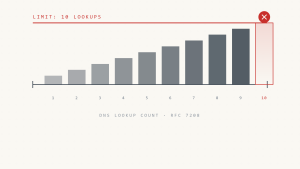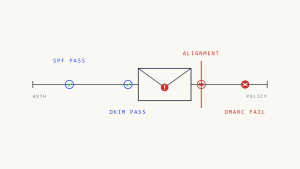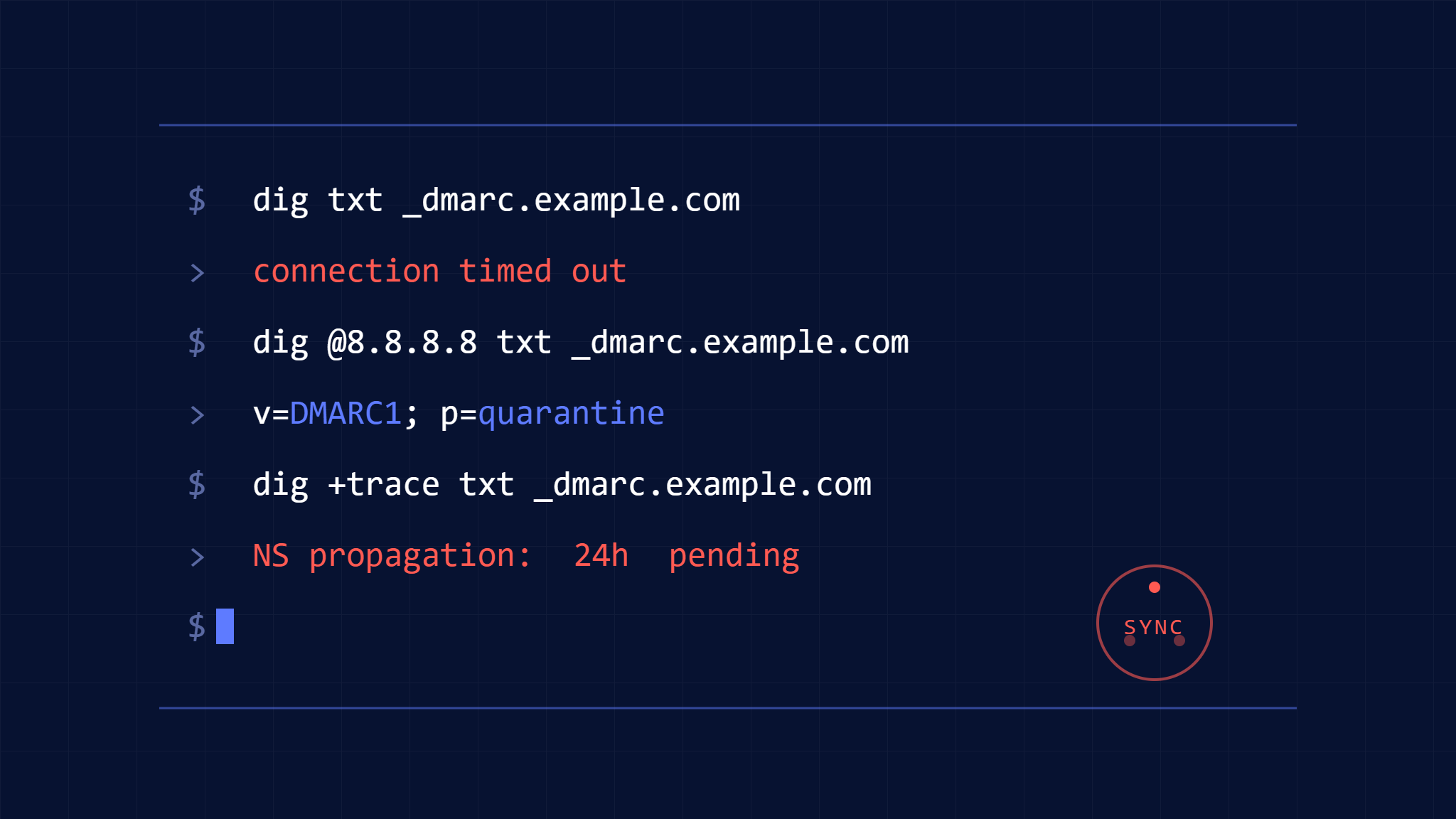
DNS propagation delays and inconsistencies can silently sabotage your email authentication setup, causing legitimate emails to fail DMARC checks and potentially landing in recipients’ spam folders. When you’ve carefully configured your SPF, DKIM, and DMARC records but authentication is still failing, DNS propagation issues are often the hidden culprit.
DNS propagation refers to the time it takes for DNS record changes to spread across the global network of DNS servers. While modern DNS infrastructure has improved significantly, propagation delays can still cause authentication failures for hours or even days after you publish new records. Understanding how to quickly diagnose and resolve these timing issues is crucial for maintaining reliable email delivery.
I. Understanding DNS Propagation Impact on Email Authentication
How DNS Propagation Affects Email Authentication
Email authentication relies on DNS records that receiving mail servers must query in real-time. When these records aren’t consistently available across all DNS servers, authentication failures occur:
SPF Record Propagation Issues:
- Mail servers query your domain’s TXT records for SPF policies
- Incomplete propagation means some servers see old or missing SPF records
- Results in legitimate emails failing SPF alignment checks
DKIM Propagation Problems:
- DKIM signatures reference selector records in DNS
- If the selector record isn’t propagated, signature verification fails
- Common when rotating DKIM keys or adding new selectors
DMARC Policy Propagation:
- DMARC policies at _dmarc.domain.com must be globally accessible
- Inconsistent propagation can cause policy lookup failures
- Affects both authentication and reporting functions
Common Propagation Scenarios That Break Authentication
New Domain Setup: Fresh domains often experience longer propagation times as DNS infrastructure establishes caching patterns.
Record Modifications: Changing existing SPF includes or DKIM selectors can create temporary inconsistencies during propagation.
TTL Conflicts: Low TTL values should speed propagation but can cause increased DNS queries and potential rate limiting.
II. Step-by-Step DNS Propagation Diagnosis
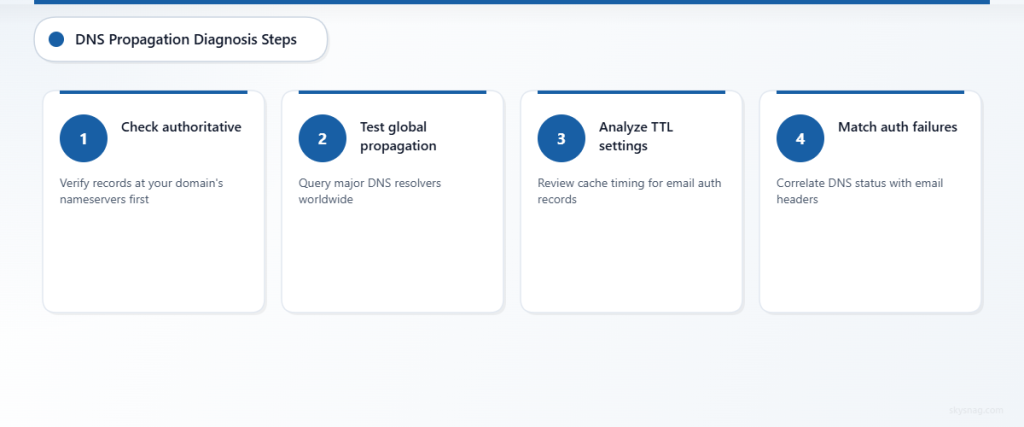
Step 1: Verify Record Publication at Authoritative Servers
Start by confirming your records are correctly published at your domain’s authoritative DNS servers:
# Find authoritative nameservers
dig NS yourdomain.com

# Query SPF record directly from authoritative server
dig @ns1.yourdns.com TXT yourdomain.com

# Check DKIM selector
dig @ns1.yourdns.com TXT selector._domainkey.yourdomain.com

# Verify DMARC policy
dig @ns1.yourdns.com TXT _dmarc.yourdomain.com
If records don’t appear at authoritative servers, the issue isn’t propagation but rather publication problems.
Step 2: Test Global DNS Propagation Status
Use multiple DNS checking tools to assess worldwide propagation:
Manual DNS Queries from Different Locations:
# Test from major public DNS resolvers
dig @8.8.8.8 TXT yourdomain.com
dig @1.1.1.1 TXT yourdomain.com
dig @208.67.222.222 TXT yourdomain.com
Online Propagation Checkers:
- whatsmydns.net provides global DNS propagation testing
- Check multiple record types simultaneously
- Focus on geographic regions where your email recipients are located
Step 3: Analyze TTL Settings and Cache Behavior
Review your DNS record TTL (Time To Live) values:
# Check current TTL values
dig TXT yourdomain.com | grep -E "IN\s+TXT"
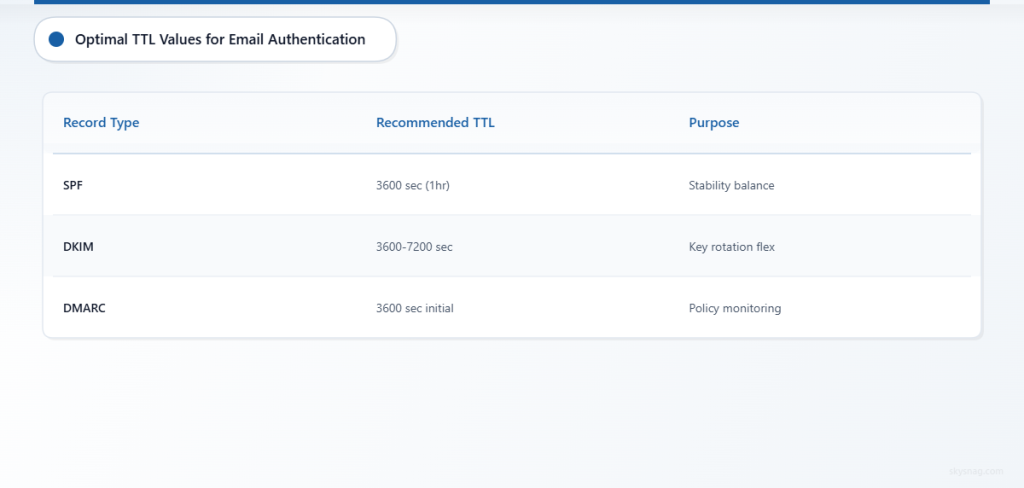
TTL Best Practices for Email Authentication:
- SPF records: 3600 seconds (1 hour) for stability
- DKIM selectors: 3600-7200 seconds
- DMARC policies: 3600 seconds initially, can increase to 86400 after stable
High TTL values slow propagation of new changes, while very low TTLs can cause performance issues.
Step 4: Identify Specific Authentication Failures
Correlate DNS propagation status with actual authentication failures:
Review Email Headers:
Look for authentication-related headers in failed emails:
Authentication-Results: spf=fail smtp.mailfrom=yourdomain.com
Authentication-Results: dkim=fail [email protected]
Authentication-Results: dmarc=fail header.from=yourdomain.com
Check DMARC Reports:
DMARC aggregate reports reveal which receiving servers are experiencing authentication issues and their geographic distribution.
III. Quick Fixes for DNS Propagation Problems
Immediate Actions for Active Issues
Force DNS Cache Refresh:
Contact your DNS provider to manually push updates to major DNS resolvers if urgent email delivery is required.
Temporary Workaround for SPF:
If adding a new sending source, temporarily use ~all (soft fail) instead of -all (hard fail) in your SPF record until propagation completes.
DKIM Selector Rotation:
When updating DKIM keys, keep both old and new selectors active during propagation periods:
selector1._domainkey.domain.com (old key - keep active)
selector2._domainkey.domain.com (new key - newly published)
Long-term Propagation Optimization
Optimize DNS Infrastructure:
- Use a reliable DNS provider with global presence
- Consider anycast DNS for faster regional propagation
- Implement monitoring for DNS record availability
Implement Gradual DMARC Policy Changes:
When strengthening DMARC policies, use staged deployment:
- Start with p=none for monitoring
- Gradually move to p=quarantine with percentage tags
- Finally implement p=reject after confirming stable authentication
Monitor Propagation Proactively:
Set up automated monitoring to detect propagation delays before they impact email delivery. Skysnag Protect provides continuous DNS monitoring to alert you when authentication records become inaccessible from any global location.
Advanced Troubleshooting Techniques
Trace DNS Resolution Paths:
# Detailed DNS query tracing
dig +trace TXT yourdomain.com
This shows the complete DNS resolution path and can identify where propagation breaks down.
Regional Testing:
Use VPN services or proxy tools to test DNS resolution from different geographic regions, particularly where email authentication is failing.
Timing Analysis:
Document propagation timing patterns for your DNS provider to predict and plan around future delays.
IV. Prevention Strategies for Future Updates
Planning DNS Changes
Schedule During Low-Traffic Periods:
Make DNS changes during times when email volume is lowest to minimize impact.
Pre-staging Records:
For complex changes, publish new records alongside existing ones when possible, then remove old records after propagation.
Testing in Subdomains:
Test new authentication configurations in subdomains first to verify record format and propagation behavior.
Monitoring and Alerting Setup
Implement comprehensive monitoring that goes beyond basic uptime checks:
- Global DNS availability monitoring
- Authentication record validation
- Email delivery rate tracking
- DMARC report analysis for propagation-related failures
Regular DNS health checks help identify propagation issues before they impact email authentication and delivery rates.
V. Key Takeaways
DNS propagation issues can silently undermine your email authentication setup, causing legitimate emails to fail DMARC checks and potentially harming your sender reputation. Quick diagnosis involves verifying records at authoritative servers, testing global propagation status, analyzing TTL settings, and correlating DNS availability with authentication failures.
The most effective approach combines immediate fixes like TTL optimization and gradual policy deployment with long-term improvements including reliable DNS infrastructure and proactive monitoring. By understanding propagation patterns and implementing proper testing procedures, you can minimize authentication disruptions during DNS changes.
Ready to eliminate DNS propagation headaches from your email authentication setup? Skysnag Protect offers comprehensive DNS monitoring and authentication validation to ensure your SPF, DKIM, and DMARC records are globally accessible and functioning correctly.