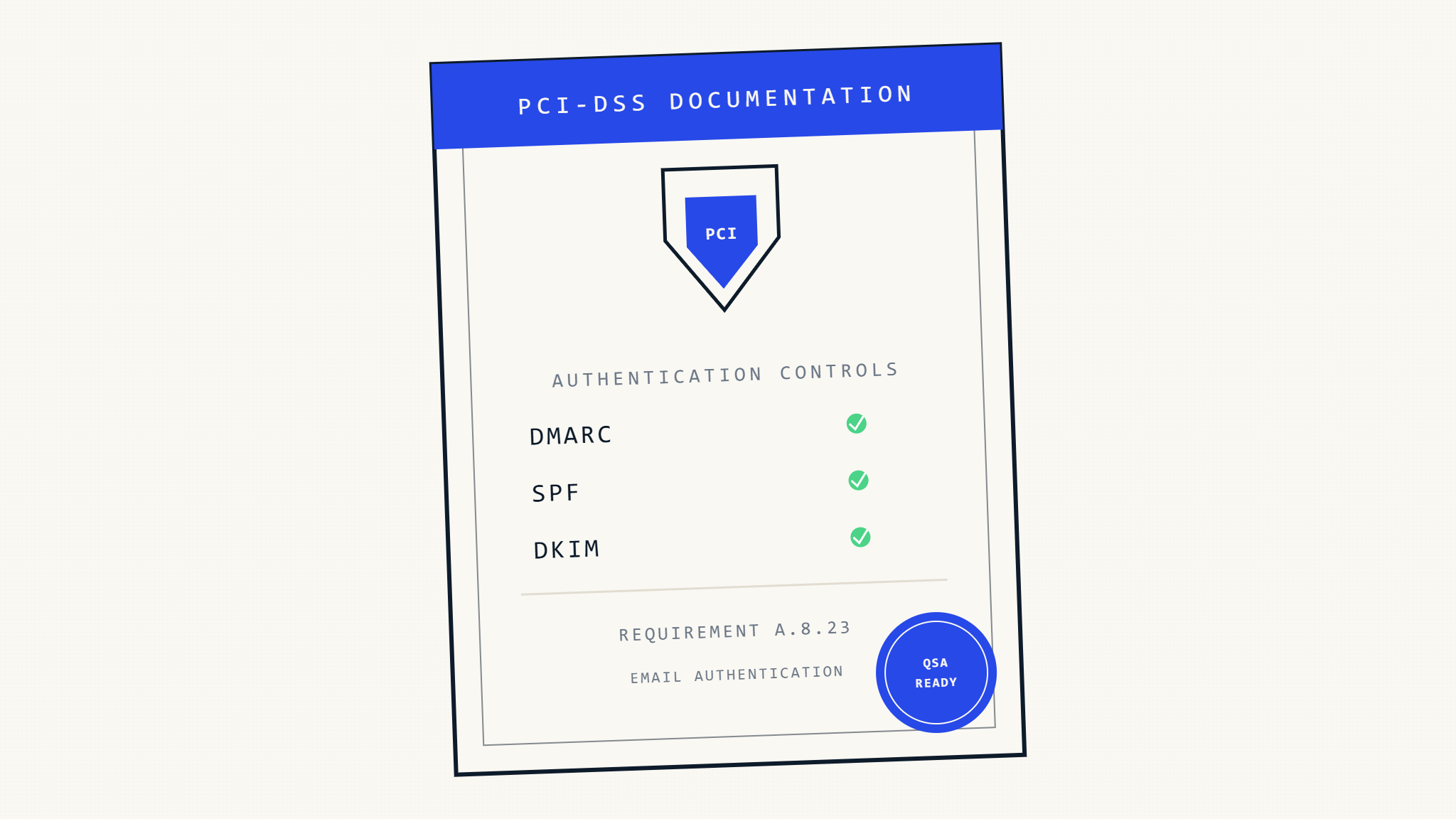
PCI-DSS audits require comprehensive documentation of security controls, and email authentication increasingly falls under scrutiny as Qualified Security Assessors (QSAs) evaluate anti-phishing measures. While PCI-DSS doesn’t explicitly mandate specific email authentication protocols, QSAs commonly examine these controls as part of requirement assessments related to security awareness, access controls, and data protection.
Organizations processing payment card data need audit-ready documentation that demonstrates how email authentication controls support their overall PCI-DSS compliance program. This guide provides a step-by-step approach to prepare DMARC, SPF, and DKIM documentation that satisfies QSA expectations and streamlines your audit process.
I. Understanding QSA Expectations for Email Security Documentation
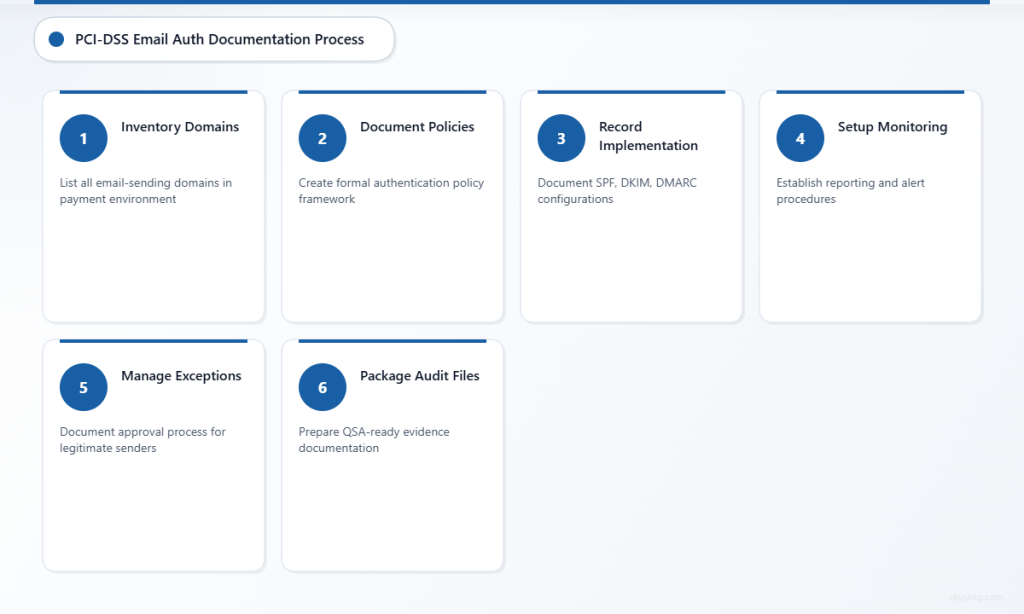
What QSAs Look for in Email Authentication Controls
QSAs evaluate email authentication documentation within the broader context of PCI-DSS requirements rather than as standalone mandates. They typically examine these controls when assessing:
- Requirement 7 (Access Control): Email authentication helps verify legitimate senders and prevent unauthorized communication
- Requirement 8 (User Authentication): Domain authentication protocols demonstrate identity verification measures
- Requirement 12 (Security Policies): Email security policies and procedures require proper documentation
Modern QSAs understand that email-based attacks frequently target payment processing environments, making robust email authentication a practical necessity for maintaining cardholder data security.
Documentation Standards QSAs Expect
Your email authentication documentation should follow the same rigor as other PCI-DSS security controls:
- Policy documentation with clear objectives and scope
- Implementation evidence showing actual deployment
- Monitoring procedures demonstrating ongoing oversight
- Exception handling for legitimate email sources
- Regular review processes ensuring continued effectiveness
II. Step 1: Inventory Your Email Authentication Infrastructure
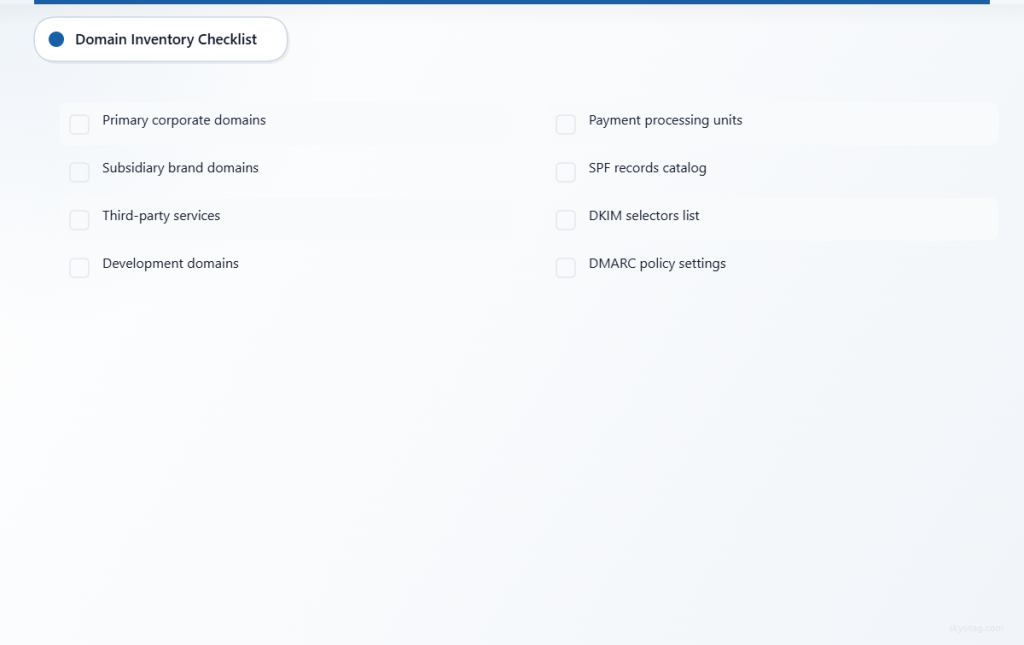
Document All Email-Sending Domains
Create a comprehensive inventory of every domain that sends email on behalf of your organization:
- [ ] Primary corporate domains (example.com, company.org)
- [ ] Subsidiary and brand domains that send customer communications
- [ ] Third-party services sending email from your domains (payment processors, notification services)
- [ ] Development and testing domains used in payment processing environments
- [ ] Any domains used by business units that handle cardholder data
Catalog Current Authentication Records
Document the current state of your email authentication implementation:
SPF Records Documentation:
- [ ] List all SPF records with their current mechanisms and qualifiers
- [ ] Document authorized sending sources (IP addresses, domains, third-party services)
- [ ] Note any ~all or -all policies and their business justification
DKIM Records Documentation:
- [ ] Inventory all DKIM selectors and their corresponding public keys
- [ ] Document which systems and services use each DKIM key
- [ ] Record key rotation schedules and procedures
DMARC Records Documentation:
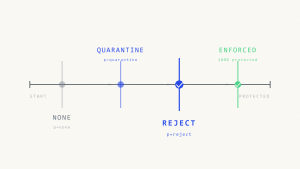
- [ ] Document current DMARC policy settings (p=none/quarantine/reject)
- [ ] List reporting addresses and their monitoring procedures
- [ ] Note percentage tags (pct) and their business justification
III. Step 2: Establish Policy Documentation Framework
Create Email Authentication Policy Statements
Develop formal policy documentation that QSAs can review and assess. Your policy should address:
Scope and Objectives:
Email Authentication Policy
Scope: All domains used for business communications in payment processing environments
Objective: Prevent email spoofing and phishing attacks that could compromise cardholder data security
Implementation Standards:
- SPF record requirements for all email-sending domains
- DKIM signing requirements for outbound email systems
- DMARC policy progression timeline and criteria
- Exception approval processes for legitimate senders
Governance Structure:
- Roles and responsibilities for email authentication management
- Change control procedures for DNS record modifications
- Regular review and assessment schedules
Document Business Justifications
QSAs need to understand the business context behind your email authentication decisions:
- [ ] Justify DMARC policy levels based on email volume and business requirements
- [ ] Explain any p=none or p=quarantine settings with timeline for progression
- [ ] Document approved exceptions and their risk assessments
- [ ] Record third-party sender approval processes and ongoing monitoring
IV. Step 3: Create Implementation Evidence Documentation
DNS Configuration Documentation
Provide clear evidence of your email authentication deployment:
Current DNS Records:
Document actual DNS records with timestamps and sources:
Domain: payments.example.com
SPF Record: "v=spf1 include:mailgun.org include:_spf.salesforce.com -all"
Last Updated: [Date]
Verification Method: DNS lookup via [tool/service]
Configuration Management:
- [ ] Document who has authority to modify DNS records
- [ ] Maintain change logs for all email authentication record modifications
- [ ] Establish backup and recovery procedures for DNS configurations
System Integration Documentation
Show how email authentication integrates with your existing security infrastructure:
- [ ] Email gateway configurations that enforce authentication checks
- [ ] Monitoring system integration for DMARC report processing
- [ ] Alert configurations for authentication failures or policy violations
- [ ] Integration with security incident response procedures
V. Step 4: Establish Monitoring and Reporting Procedures
DMARC Report Analysis Documentation
Create procedures for regular DMARC report analysis that demonstrate ongoing oversight:
Report Collection Process:
- [ ] Document automated report collection from DMARC reporting addresses
- [ ] Establish report retention policies aligned with PCI-DSS data retention requirements
- [ ] Create standardized report analysis procedures
Analysis and Response Procedures:
- [ ] Define thresholds for investigating authentication failures
- [ ] Establish escalation procedures for suspicious email activity
- [ ] Document remediation steps for identified issues
Monitoring Dashboard Documentation
Provide evidence of continuous monitoring capabilities:
- [ ] Screenshots of monitoring dashboards showing authentication metrics
- [ ] Documentation of alert thresholds and notification procedures
- [ ] Evidence of regular report review and management oversight
Tools like Skysnag Protect can automate much of this monitoring and provide audit-ready reports that demonstrate continuous oversight of your email authentication posture.
VI. Step 5: Document Exception Management Processes
Legitimate Sender Approval Process
QSAs need to see controlled processes for managing email authentication exceptions:
Exception Request Documentation:
- [ ] Formal request forms requiring business justification
- [ ] Risk assessment procedures for each exception
- [ ] Approval authority matrix and sign-off requirements
- [ ] Regular review schedules for existing exceptions
Implementation Tracking:
- [ ] Documentation of SPF record updates for approved senders
- [ ] DKIM key exchange procedures with third-party services
- [ ] Testing procedures before production implementation
Third-Party Vendor Management
Document how you manage email authentication for third-party services:
- [ ] Vendor assessment procedures for email security capabilities
- [ ] Contractual requirements for email authentication compliance
- [ ] Ongoing monitoring of third-party sender behavior
- [ ] Incident response procedures for vendor-related authentication issues
VII. Step 6: Prepare Audit Evidence Packages
Create QSA Review Packages
Organize your documentation for efficient QSA review:
Policy and Procedure Package:
- Email authentication policy documents
- Implementation standards and procedures
- Change control and governance documentation
- Exception management procedures
Technical Implementation Package:
- Complete DNS record inventory with verification evidence
- System configuration documentation
- Integration architecture diagrams
- Monitoring and alerting configurations
Operational Evidence Package:
- DMARC report analysis summaries for the past 12 months
- Evidence of regular policy reviews and updates
- Incident response documentation for email-related security events
- Third-party vendor management documentation
Document Compliance Mapping
Help QSAs understand how your email authentication controls support PCI-DSS requirements:
Requirement 7 Mapping:
“Email authentication controls support access control objectives by verifying sender identity and preventing unauthorized communication to systems handling cardholder data.”
Requirement 8 Mapping:
“DKIM and SPF protocols demonstrate implementation of strong authentication measures for email communications.”
Requirement 12 Mapping:
“Documented email authentication policies and procedures demonstrate formal security management processes.”
VIII. Step 7: Establish Ongoing Maintenance Procedures
Regular Review and Update Processes
Document procedures for maintaining your email authentication program:
- [ ] Quarterly reviews of DMARC reports and policy effectiveness
- [ ] Annual assessments of SPF and DKIM configurations
- [ ] Regular validation of third-party sender authorizations
- [ ] Updates to documentation following infrastructure changes
Continuous Improvement Documentation
Show QSAs that your program evolves based on threat landscape changes:
- [ ] Procedures for evaluating new email security threats
- [ ] Assessment criteria for advancing DMARC policy enforcement
- [ ] Integration planning for new email-sending services
- [ ] Regular benchmarking against industry best practices
IX. Streamlining Documentation with Automated Tools
Manual documentation maintenance can be time-intensive and error-prone. Skysnag Protect provides automated documentation and reporting capabilities that help organizations maintain audit-ready evidence:
- Automated DNS monitoring with change detection and alerting
- Comprehensive DMARC report analysis with trend identification
- Audit-ready reports formatted for QSA review
- Policy compliance tracking with automated assessments
- Exception management workflows with approval tracking
These automated capabilities ensure your documentation remains current and comprehensive, reducing audit preparation time and improving accuracy.
X. Key Takeaways
Preparing email authentication documentation for PCI-DSS audits requires a structured approach that treats these controls as part of your broader security program. Success depends on:
- Comprehensive inventory of all email-sending domains and current authentication configurations
- Formal policy documentation with clear business justifications and governance procedures
- Implementation evidence that demonstrates actual deployment and ongoing monitoring
- Exception management processes that show controlled handling of legitimate business requirements
- Regular maintenance procedures that keep documentation current and accurate
QSAs evaluate email authentication documentation within the context of overall PCI-DSS compliance, not as isolated technical controls. By following this systematic approach, organizations can demonstrate mature security management practices while streamlining their audit process.
Ready to improve your email authentication documentation and audit readiness? Skysnag Protect provides the automated monitoring and reporting capabilities needed to maintain comprehensive, audit-ready documentation year-round.