DMARC aggregate reports arrive in your inbox like cryptic messages written in XML code, leaving many IT professionals scratching their heads. These reports contain critical intelligence about your email authentication status, but deciphering them requires knowledge that most security teams never formally learned.
Understanding DMARC aggregate reports is essential for maintaining email security and preventing domain spoofing attacks. These XML-formatted reports reveal which emails are passing or failing authentication checks, helping you identify legitimate sending sources and potential threats. With email-based attacks continuing to surge, mastering DMARC report analysis has become a non-negotiable skill for cybersecurity professionals.
This comprehensive guide will transform you from a DMARC novice into a report-reading expert, complete with real-world examples and advanced troubleshooting techniques.
I. Understanding DMARC Aggregate Report Structure
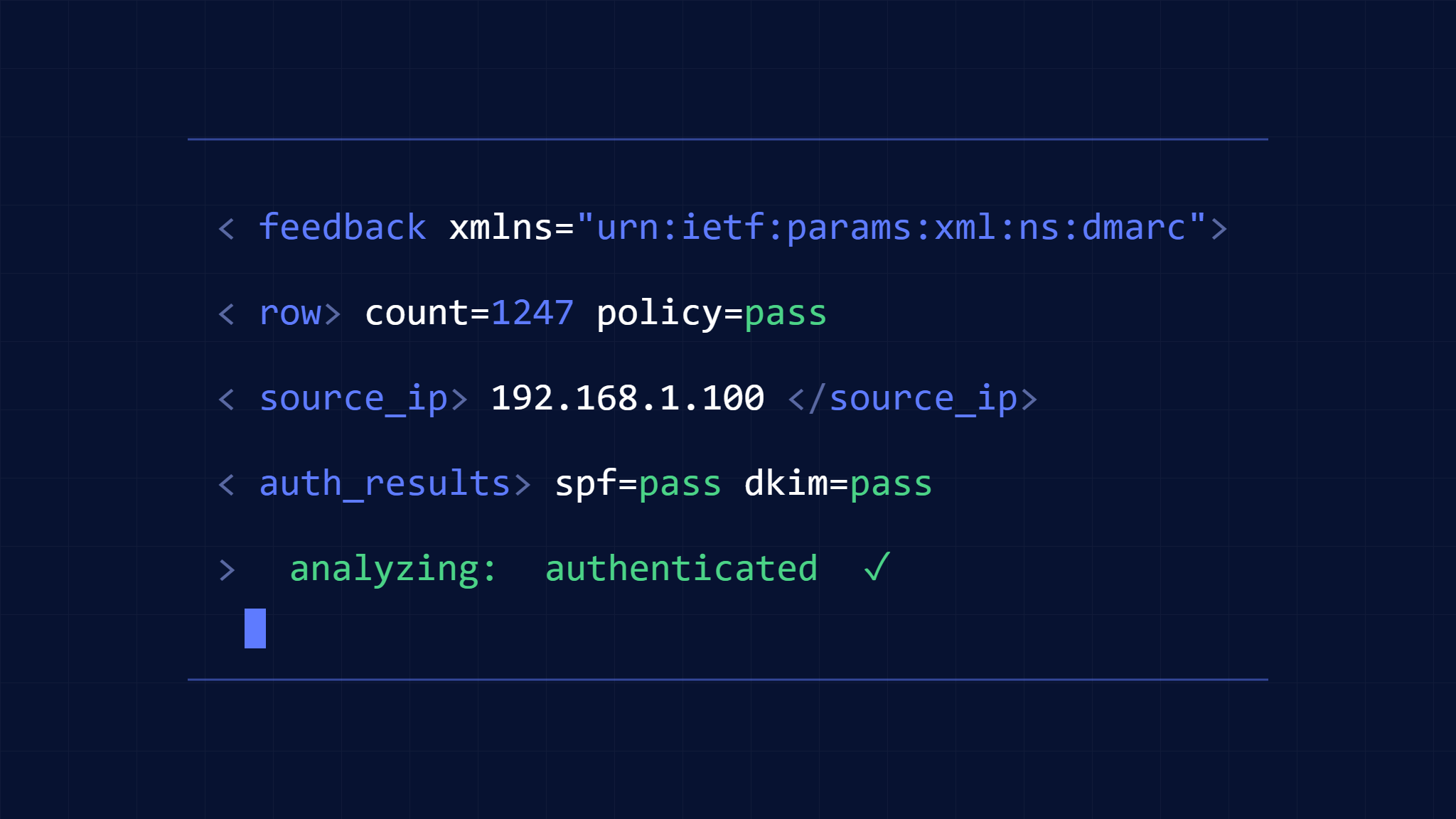
DMARC aggregate reports follow a standardized XML format that contains several key sections. Each report represents data collected over a specific time period (typically 24 hours) and includes authentication results from email receivers.
Core Report Elements
The basic structure includes:
Report Metadata: Contains information about the reporting organization, date range, and domain being reported on. This section identifies who sent the report and what timeframe it covers.
Policy Published: Shows your current DMARC policy as understood by the reporting receiver. This section reveals how your DMARC record is being interpreted across different email systems.
Record Section: Contains the actual authentication data, including SPF and DKIM results, source IP addresses, and message volumes. This is where the real intelligence lies.
Each record within a report represents a unique combination of source IP, SPF domain, DKIM domain, and authentication results. Understanding this grouping is crucial for accurate analysis.
II. Step-by-Step Report Analysis Process
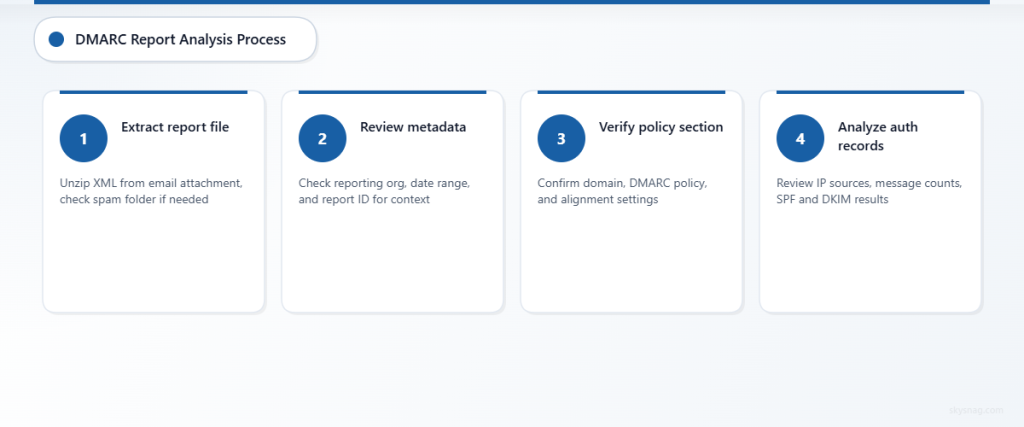
Step 1: Extract and Open the Report
DMARC reports typically arrive as compressed attachments (ZIP or GZIP files) containing XML data. Modern email clients may block these attachments, so check your spam folder or security quarantine.
Save the XML file locally and open it with a text editor or XML viewer. While the raw XML appears intimidating, following a systematic approach makes analysis manageable.
Step 2: Identify Report Metadata
Locate the report metadata section at the top of the XML file:
<report_metadata>
  <org_name>google.com</org_name>
  <email>[email protected]</email>
  <extra_contact_info>https://support.google.com/a/answer/2466580</extra_contact_info>
  <report_id>12345678901234567890</report_id>
  <date_range>
    <begin>1640995200</begin>
    <end>1641081599</end>
  </date_range>
</report_metadata>
This example shows a report from Google covering a 24-hour period. The timestamps are in Unix format and need conversion to readable dates.
Step 3: Review Policy Published Section
The policy published section shows how receivers interpret your DMARC record:
<policy_published>
  <domain>example.com</domain>
  <adkim>r</adkim>
  <aspf>r</aspf>
  <p>quarantine</p>
  <sp>none</sp>
  <pct>100</pct>
</policy_published>
Key elements to verify:
- Domain: Confirms the domain being reported
- p: Your primary policy (none, quarantine, or reject)
- adkim/aspf: DKIM and SPF alignment modes (r=relaxed, s=strict)
- pct: Percentage of messages the policy applies to
Step 4: Analyze Individual Records
Each record section contains authentication results for a specific source:
<record>
  <row>
    <source_ip>209.85.208.180</source_ip>
    <count>347</count>
    <policy_evaluated>
      <disposition>none</disposition>
      <dkim>pass</dkim>
      <spf>pass</spf>
    </policy_evaluated>
  </row>
  <identifiers>
    <header_from>example.com</header_from>
  </identifiers>
  <auth_results>
    <spf>
      <domain>example.com</domain>
      <result>pass</result>
    </spf>
    <dkim>
      <domain>example.com</domain>
      <result>pass</result>
      <selector>selector1</selector>
    </dkim>
  </auth_results>
</record>
Critical data points include:
- Source IP: The server sending emails
- Count: Number of messages from this source
- Policy Evaluated: Final DMARC result
- Auth Results: Individual SPF and DKIM outcomes
III. Interpreting Authentication Results
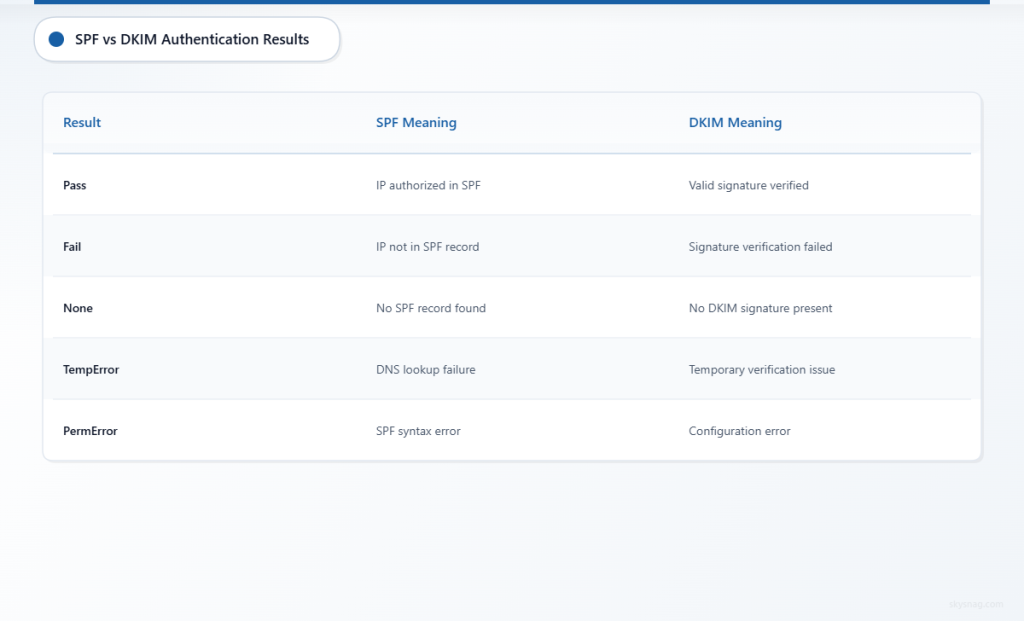
SPF Results Analysis
SPF (Sender Policy Framework) results indicate whether the sending IP is authorized:
Pass: IP address is listed in your SPF record
Fail: IP address is not authorized in your SPF record
Neutral: SPF record exists but doesn’t explicitly authorize or deny
None: No SPF record found
TempError: Temporary DNS lookup failure
PermError: Permanent SPF record syntax error
DKIM Results Breakdown
DKIM (DomainKeys Identified Mail) results show cryptographic signature validation:
Pass: Valid DKIM signature verified successfully
Fail: DKIM signature verification failed
None: No DKIM signature present
Policy: Signature exists but doesn’t meet policy requirements
Neutral: Signature is valid but policy doesn’t specify action
TempError: Temporary failure during verification
PermError: Permanent configuration error
DMARC Alignment Understanding
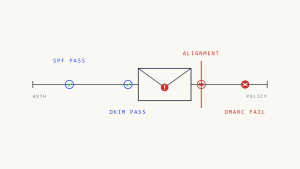
DMARC requires either SPF or DKIM to be both authenticated and aligned:
SPF Alignment: The domain in the Return-Path must match (or be a subdomain of) the From domain
DKIM Alignment: The DKIM signing domain must match (or be a subdomain of) the From domain
Relaxed alignment allows subdomain matches, while strict alignment requires exact domain matches.
IV. Common Report Patterns and Red Flags
Legitimate Traffic Patterns
Successful DMARC implementation typically shows:
- High message volumes from known IP ranges
- Consistent SPF and DKIM pass rates
- Proper domain alignment
- Stable authentication patterns over time
Suspicious Activity Indicators
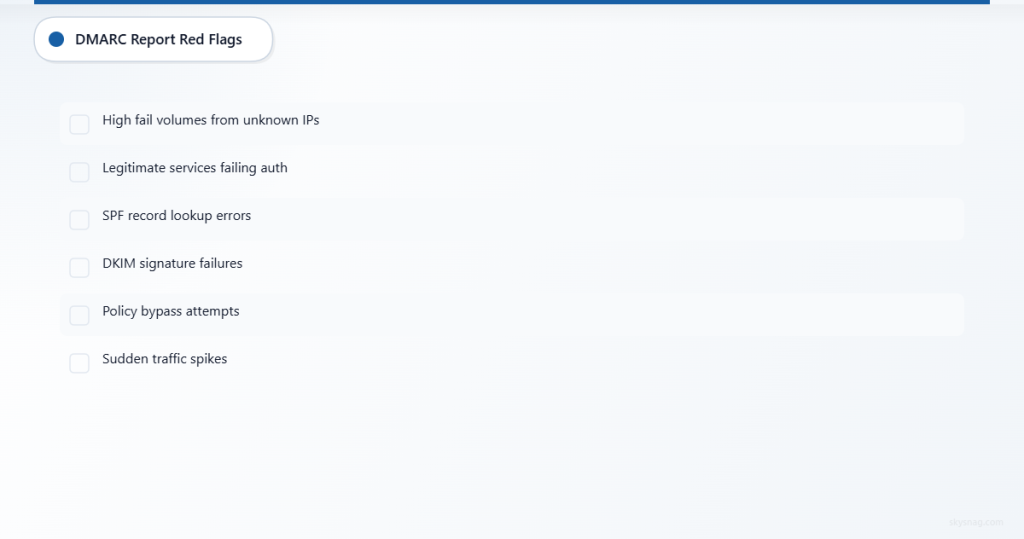
Watch for these warning signs:
- Unknown IP addresses with high message volumes
- Authentication failures from unexpected sources
- Misaligned domains indicating potential spoofing
- Sudden traffic spikes from new IP ranges
- Geographic anomalies inconsistent with your business operations
Failed Authentication Analysis
When messages fail DMARC authentication, investigate:
- SPF failures: Check if legitimate senders are missing from your SPF record
- DKIM failures: Verify DKIM keys are properly configured and not expired
- Alignment issues: Ensure From domains match SPF/DKIM domains appropriately
V. Advanced Troubleshooting Techniques
IP Address Investigation
For unknown IP addresses in reports:
- Reverse DNS lookup: Identify the hosting provider or organization
- Geolocation analysis: Check if the location matches expected sending patterns
- Reputation checking: Use threat intelligence sources to assess IP reputation
- Network analysis: Determine if IPs belong to known email service providers
Authentication Chain Analysis
Trace authentication failures through the complete chain:
- DNS record verification: Confirm SPF, DKIM, and DMARC records are correct
- Selector validation: Ensure DKIM selectors match between DNS and email headers
- Policy alignment: Verify domain alignment settings match your requirements
- Third-party services: Identify legitimate services that need SPF inclusion
Volume and Pattern Analysis
Analyze message patterns for insights:
- Time-based trends: Identify peak sending times and unusual activity
- Source distribution: Monitor changes in your sending infrastructure
- Failure rates: Track authentication success rates over time
- Policy impact: Measure the effect of policy changes on delivery
VI. Automated Report Processing Solutions
Manual DMARC report analysis becomes impractical at scale. Skysnag Comply automatically processes DMARC aggregate reports, providing intuitive dashboards and actionable insights without requiring XML expertise.
Automated solutions offer several advantages:
- Real-time processing of incoming reports
- Trend analysis across multiple time periods
- Threat detection using machine learning algorithms
- Integration capabilities with existing security tools
- Scalable analysis for enterprises with high email volumes
Consider automation when processing more than 10-15 reports daily or when managing DMARC for multiple domains.
VII. Optimizing Your DMARC Configuration
Based on report analysis, optimize your DMARC implementation:
SPF Record Optimization
- Remove unused IP addresses to reduce DNS lookups
- Use include statements for third-party services
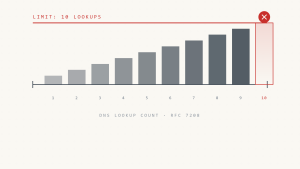
- Monitor SPF record length to avoid the 10-lookup limit
DKIM Configuration Enhancement
- Implement multiple DKIM selectors for redundancy
- Use longer key lengths (2048-bit minimum) for better security
- Rotate DKIM keys regularly according to best practices
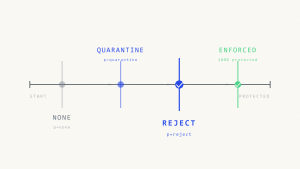
DMARC Policy Progression
- Start with policy=none for monitoring
- Progress to quarantine after achieving 95%+ authentication success
- Implement reject policy only after thorough testing and validation
VIII. Key Takeaways
Mastering DMARC aggregate report analysis requires understanding XML structure, authentication mechanisms, and threat indicators. Focus on systematic analysis of source IPs, authentication results, and alignment status to identify both legitimate senders and potential threats.
Regular report review helps maintain email security posture and ensures legitimate messages reach recipients successfully. As your email infrastructure grows, consider automated solutions like Skysnag Comply to streamline the analysis process and gain deeper insights into your domain’s email authentication status.
The investment in DMARC expertise pays dividends through improved email deliverability, reduced brand abuse, and enhanced cybersecurity defenses. Start with manual analysis to build foundational knowledge, then leverage automation tools to scale your email authentication program effectively.