DMARC alignment failures represent one of the most critical authentication challenges in modern email security, directly impacting your organization’s ability to prevent spoofing and maintain email deliverability. Understanding the nuanced differences between strict and relaxed alignment modes can mean the difference between successful email authentication and catastrophic delivery failures.
I. Understanding DMARC Alignment Fundamentals
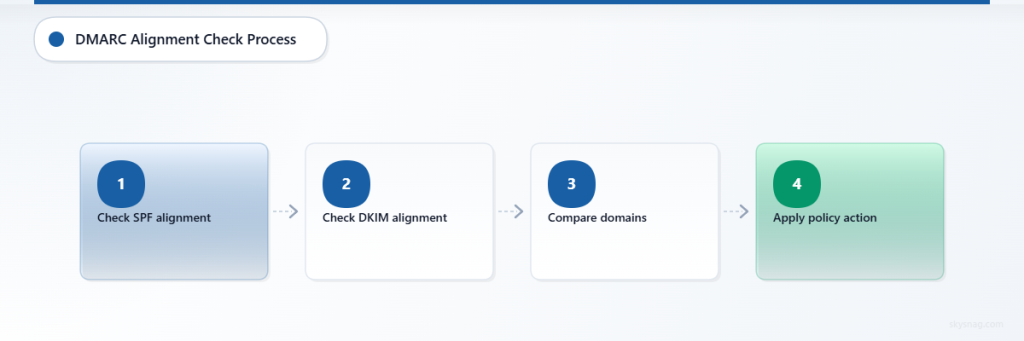
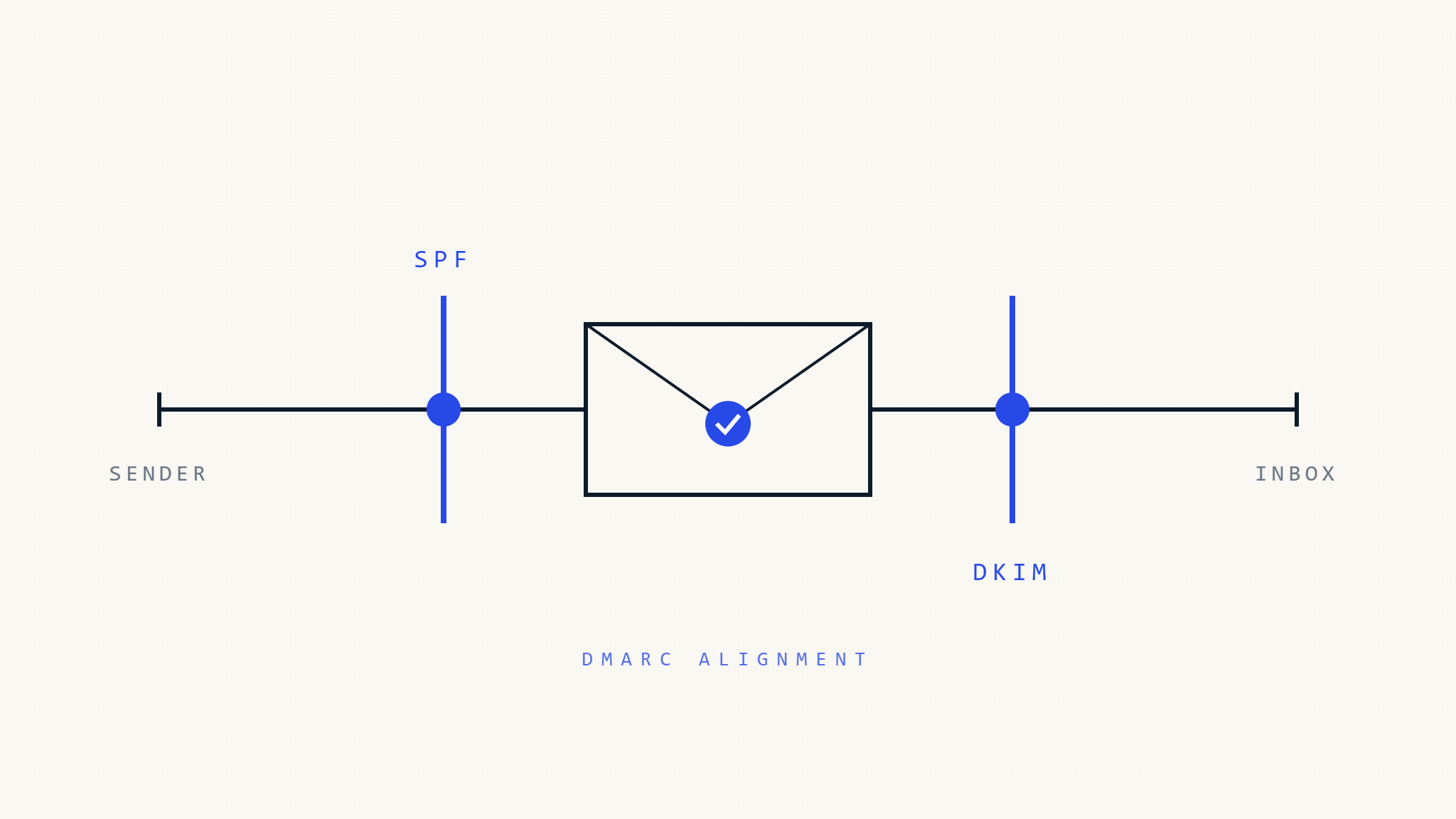
DMARC alignment serves as the cornerstone of email authentication, determining whether SPF and DKIM records properly validate against your organizational domain. This mechanism ensures that emails claiming to originate from your domain actually possess the cryptographic or network-based authentication required for legitimacy.
Core Alignment Mechanics
DMARC evaluates two distinct authentication methods through alignment checks:
SPF Alignment: Compares the Return-Path domain (envelope sender) against the From header domain
DKIM Alignment: Validates the DKIM signing domain against the From header domain
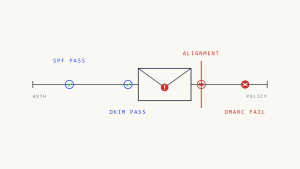
The authentication process requires at least one method to achieve successful alignment. However, the specific alignment mode (strict vs relaxed) fundamentally alters how domain matching occurs, creating vastly different authentication outcomes.
II. SPF Alignment: Strict vs Relaxed Modes
Relaxed SPF Alignment
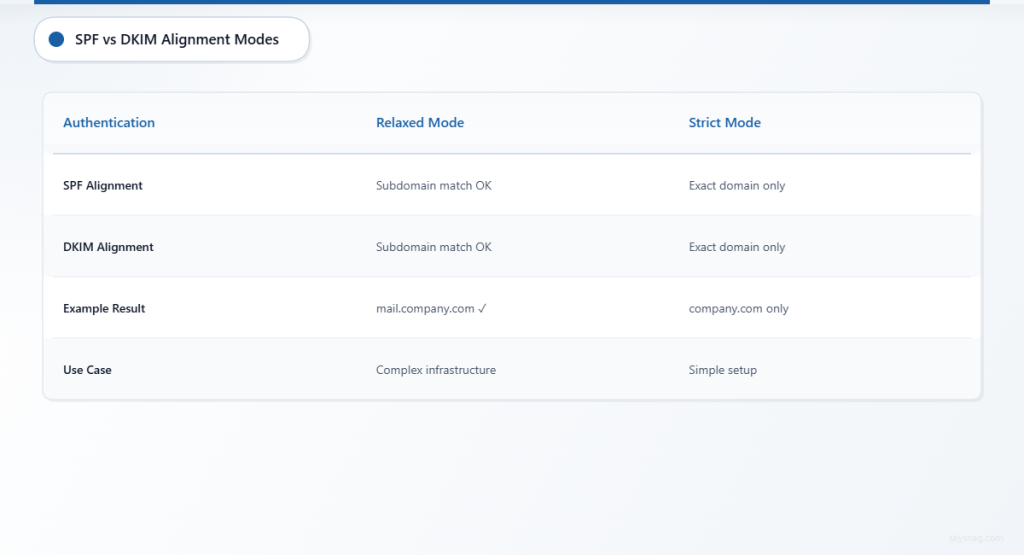
Relaxed alignment permits subdomain matching, offering flexibility for complex email infrastructures. Under relaxed mode:
From: [email protected]
Return-Path: [email protected]
Result: PASS (subdomain match acceptable)
This configuration accommodates legitimate business scenarios where marketing platforms, customer service systems, or regional offices utilize subdomains for operational purposes.
Strict SPF Alignment
Strict alignment demands exact domain matching, eliminating subdomain flexibility:
From: [email protected]
Return-Path: [email protected]
Result: FAIL (exact domain match required)
Organizations implementing strict alignment must ensure precise domain consistency across all email-sending infrastructure components.
SPF Alignment Configuration Syntax
v=DMARC1; p=reject; aspf=r; (relaxed SPF alignment)
v=DMARC1; p=reject; aspf=s; (strict SPF alignment)
III. DKIM Alignment: Authentication Complexities
Relaxed DKIM Alignment
DKIM relaxed alignment mirrors SPF behavior, accepting subdomain matches between the DKIM signing domain and From header:
From: [email protected]
DKIM-Signature: d=mail.company.com
Result: PASS (subdomain alignment satisfied)
Strict DKIM Alignment
Strict DKIM alignment requires perfect domain matching:
From: [email protected]
DKIM-Signature: d=company.com
Result: PASS (exact domain match)

From: [email protected]
DKIM-Signature: d=mail.company.com
Result: FAIL (domain mismatch)
DKIM Alignment Configuration
v=DMARC1; p=reject; adkim=r; (relaxed DKIM alignment)
v=DMARC1; p=reject; adkim=s; (strict DKIM alignment)
IV. Common Alignment Failure Scenarios
Third-Party Email Services
Marketing platforms frequently generate alignment failures when organizations fail to configure proper domain delegation:
Problem Configuration:
From: [email protected]
Return-Path: [email protected]
SPF Record: emailprovider.com (no yourcompany.com authorization)
DKIM Signature: d=emailprovider.com
Solution:
Implement CNAME delegation or custom Return-Path configuration to maintain domain alignment.
Multi-Domain Organizations
Corporate acquisitions and subsidiary management create complex alignment challenges:
Scenario:
Parent company (parent.com) sends emails on behalf of subsidiary (subsidiary.com) without proper cross-domain authentication setup.
Resolution:
Configure individual DMARC policies for each domain or implement organizational domain clustering through relaxed alignment.
Cloud Email Migration
Organizations transitioning between email providers encounter alignment failures during dual-provider operations:
Issue:
Simultaneous Office 365 and Google Workspace usage creates inconsistent Return-Path domains during migration phases.
Mitigation:
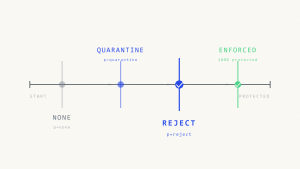
Implement gradual DMARC policy enforcement with monitoring phases before full rejection policies.
V. Advanced Troubleshooting Techniques
Alignment Failure Diagnosis
Step 1: DMARC Report Analysis
Examine authentication result codes within aggregate reports:
spf=fail reason=alignmentindicates SPF domain mismatchdkim=fail reason=alignmentsignals DKIM domain inconsistency
Step 2: Header Examination
Analyze email headers for domain consistency:
Authentication-Results: spf=pass smtp.mailfrom=sender.example.com;
                       dkim=pass header.d=different.com;
                       dmarc=fail (p=reject dis=none) header.from=company.com
Step 3: Policy Validation
Verify DMARC record syntax and alignment specifications using DNS queries and specialized validation tools.
Edge Case Resolution
Multiple DKIM Signatures
When emails contain multiple DKIM signatures, DMARC requires only one signature to achieve alignment success:
DKIM-Signature: d=company.com; (aligned)
DKIM-Signature: d=mailprovider.com; (not aligned)
Result: DMARC PASS (one aligned signature sufficient)
Subdomain Inheritance
Subdomains without explicit DMARC policies inherit parent domain policies, potentially causing unexpected alignment behavior.
Forwarded Email Challenges
Email forwarding frequently breaks SPF alignment while potentially preserving DKIM alignment, requiring careful policy configuration.
VI. Implementation Best Practices
Gradual Deployment Strategy
Organizations should implement DMARC alignment through phased approaches:
- Monitor Mode: Deploy
p=noneto collect authentication data without enforcement - Percentage Rollout: Use
pct=tags for gradual policy application - Full Enforcement: Transition to
p=quarantineorp=rejectafter thorough testing
Alignment Mode Selection
Choose Relaxed Alignment When:
- Multiple subdomains require email sending capabilities
- Third-party services manage email infrastructure
- Complex organizational structures exist
Choose Strict Alignment When:
- Maximum security posture is required
- Simplified email infrastructure allows exact domain matching
- Regulatory compliance mandates strict authentication
Monitoring and Maintenance
Implement continuous monitoring through Skysnag Protect to track alignment failures and authentication trends. Regular policy reviews ensure alignment configurations adapt to evolving business requirements and infrastructure changes.
VII. Key Takeaways
DMARC alignment failures stem from fundamental mismatches between email authentication mechanisms and domain configurations. Understanding strict versus relaxed alignment modes enables organizations to balance security requirements with operational flexibility. Proper implementation requires careful analysis of email infrastructure, gradual policy deployment, and continuous monitoring to maintain authentication integrity while ensuring legitimate email delivery.
Successful DMARC alignment depends on precise configuration management, comprehensive testing, and ongoing policy refinement. Organizations must evaluate their specific email ecosystem requirements to determine appropriate alignment modes while maintaining robust protection against email-based threats.