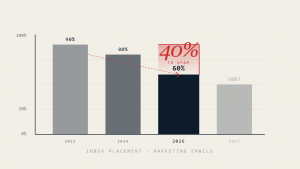
Email deliverability issues can cripple business communications, leaving critical messages trapped in spam folders or blocked entirely. When legitimate emails fail to reach the inbox, organizations face reduced engagement, missed opportunities, and potential compliance gaps.
This comprehensive guide provides IT professionals and business leaders with systematic troubleshooting steps to diagnose and resolve email deliverability problems, ensuring messages reach their intended recipients.
I. Understanding Email Deliverability Issues
Email deliverability encompasses the technical and reputational factors that determine whether messages successfully reach recipient inboxes. Unlike simple delivery (which only confirms the message left your server), deliverability measures actual inbox placement.
Common symptoms of email deliverability issues include:
- High bounce rates or undelivered messages
- Messages landing in spam or junk folders
- Delayed email delivery
- Complete blocking by recipient servers
- Declining engagement rates
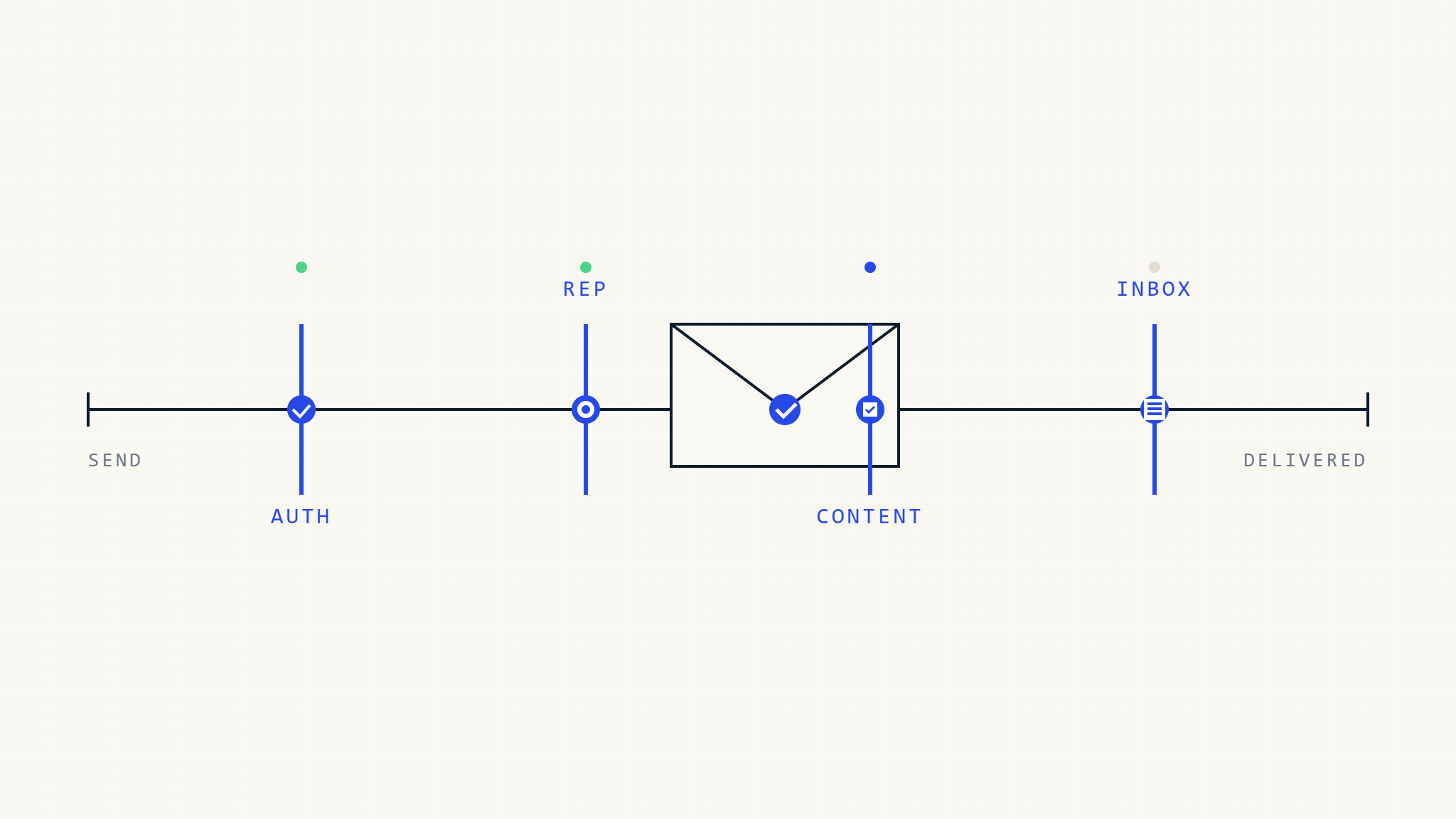
These problems typically stem from authentication failures, reputation damage, content issues, or technical misconfigurations that signal to receiving systems that your emails may be unwanted or malicious.
II. Step 1: Audit Your Email Authentication Setup
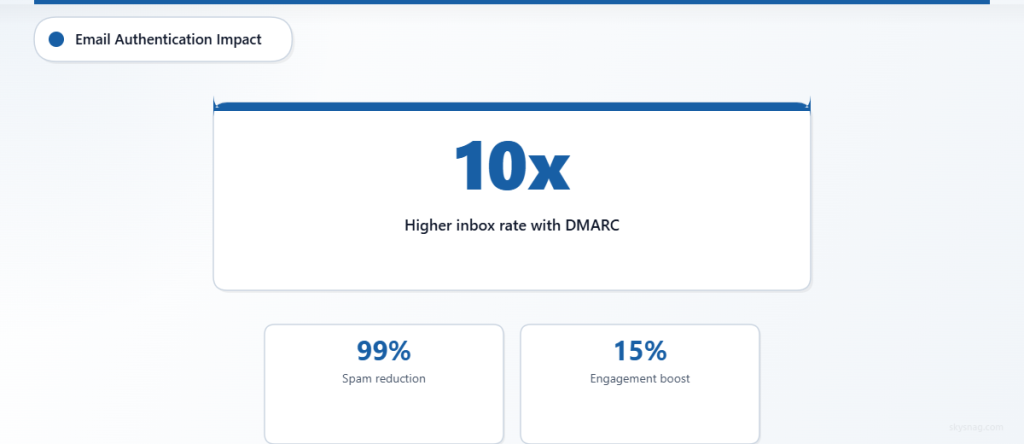
Email authentication forms the foundation of deliverability. Without proper authentication, receiving servers cannot verify your messages’ legitimacy.
Check SPF (Sender Policy Framework) Records
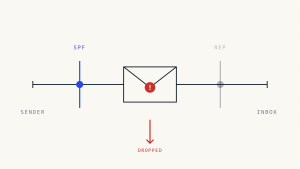
SPF records specify which servers are authorized to send email on your domain’s behalf. Run these diagnostics:
- Query your current SPF record using
nslookup -type=TXT yourdomain.com - Verify all sending sources are included (email servers, third-party services, marketing platforms)
- Check for syntax errors that could invalidate the record
- Ensure the record doesn’t exceed the 10 DNS lookup limit
Common SPF issues include missing mechanisms for legitimate senders, multiple SPF records (which invalidates authentication), and overly permissive configurations using “~all” instead of “-all.”
Validate DKIM Signatures
DKIM (DomainKeys Identified Mail) adds cryptographic signatures to verify message integrity. Test your DKIM implementation:
- Send test messages to DKIM validators like Mail-Tester or DKIM Validator
- Verify DKIM keys are published correctly in DNS
- Check signature alignment between the signing domain and From header
- Ensure all mail streams use DKIM signing (transactional, marketing, automated messages)
Implement DMARC Policy
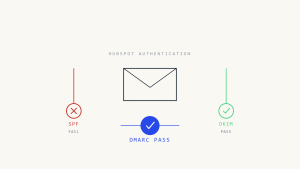
DMARC builds on SPF and DKIM to provide explicit handling instructions for authentication failures. If you haven’t implemented DMARC or need to strengthen your policy:
- Start with a monitoring policy (
p=none) to gather data - Analyze DMARC reports to identify legitimate and illegitimate mail sources
- Gradually increase policy enforcement to
p=quarantinethenp=reject - Configure reporting addresses to receive authentication feedback
Skysnag Protect automates DMARC implementation and provides detailed reporting to streamline this process, helping organizations move from monitoring to enforcement without disrupting legitimate mail flow.
III. Step 2: Monitor and Improve Sender Reputation
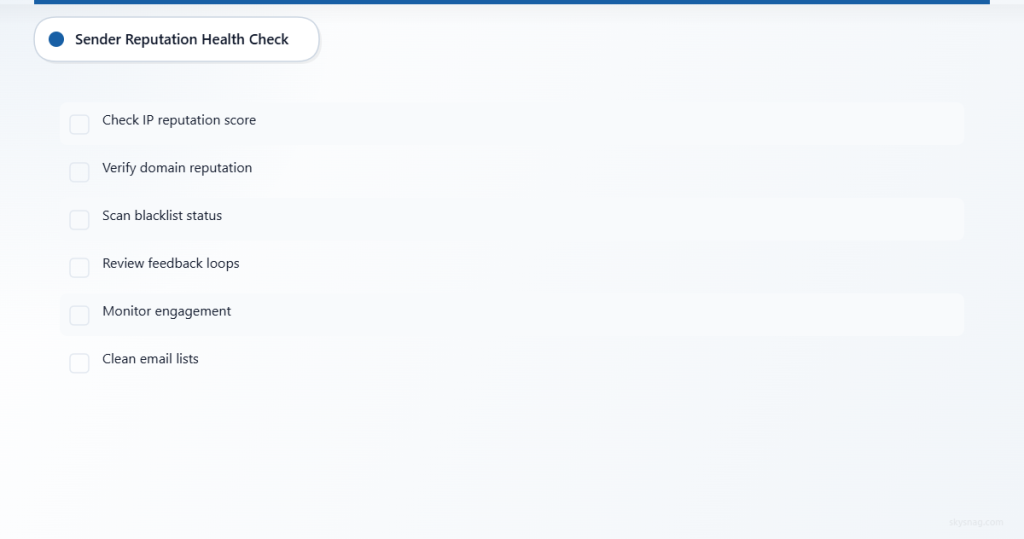
Sender reputation significantly impacts inbox placement. Both IP and domain reputation affect how receiving systems treat your messages.
Assess Your Current Reputation
Check your sending reputation across multiple metrics:
- IP reputation scores using tools like Sender Score or BarracudaCentral
- Domain reputation through services like Google Postmaster Tools
- Blacklist status across major providers (Spamhaus, SURBL, URIBL)
- Feedback loop data from ISPs showing spam complaints
Address Reputation Issues
If reputation problems exist:
- Request removal from blacklists after addressing root causes
- Implement authentication to prevent spoofing that damages reputation
- Monitor email engagement metrics (opens, clicks, complaints) to identify content issues
- Segment email lists to improve relevance and reduce complaints
- Implement proper list hygiene by removing inactive subscribers
Poor reputation often results from authentication gaps that allow spoofing, high complaint rates from irrelevant content, or technical issues like sending from compromised accounts.
IV. Step 3: Resolve Technical Configuration Problems
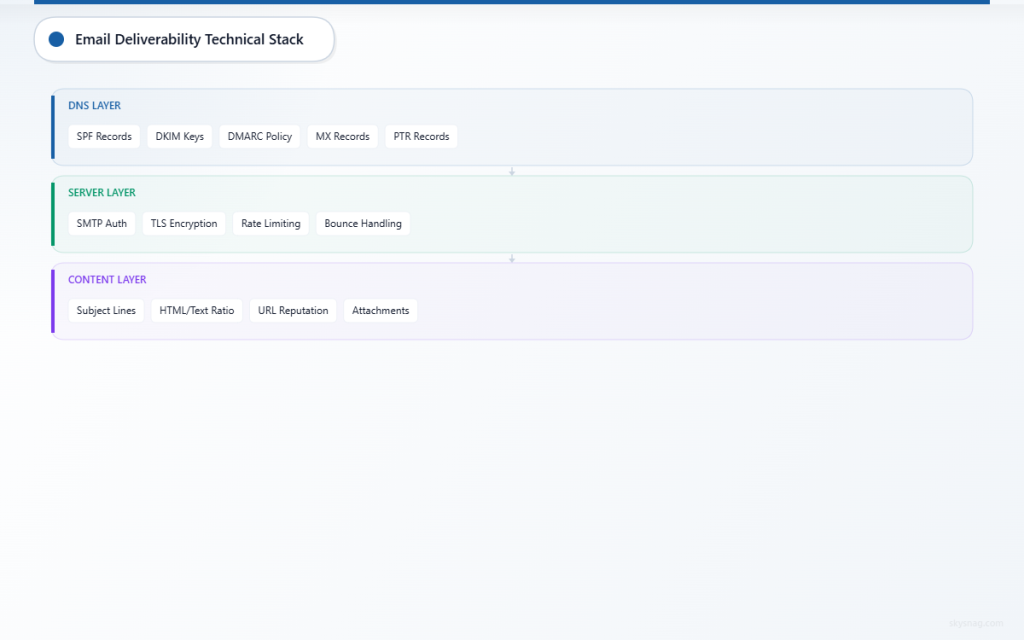
Technical misconfigurations can trigger spam filters or cause delivery failures even when authentication is properly implemented.
Review DNS Configuration
Ensure DNS records support email delivery:
- MX records point to functioning mail servers
- Reverse DNS (PTR) records exist for sending IP addresses
- DNS propagation is complete across all zones
- TTL values are appropriate (not too low to cause lookup failures)
Analyze Mail Server Settings
Examine your mail server configuration for common issues:
- SMTP authentication is required for all users
- Rate limiting prevents abuse while allowing legitimate volume
- TLS encryption is enabled for secure transmission
- Message formatting follows RFC standards
- Bounce handling processes non-delivery reports correctly
Test Message Content
Content-based filtering can affect deliverability regardless of authentication status:
- Subject line optimization avoiding spam trigger words
- HTML/text ratio maintaining appropriate balance
- Image-to-text ratio ensuring sufficient text content
- URL reputation checking link destinations
- Attachment policies following recipient server restrictions
V. Step 4: Implement Advanced Monitoring and Reporting
Ongoing monitoring helps identify and resolve deliverability issues before they impact business operations.
Set Up Comprehensive Monitoring
Deploy monitoring systems that track:
- Authentication pass rates for SPF, DKIM, and DMARC
- Delivery success rates by recipient domain
- Bounce categorization (hard bounces vs. soft bounces)
- Spam complaint rates across different message types
- Engagement metrics indicating message relevance
Establish Baseline Metrics
Document normal performance ranges for:
- Authentication success rates (should approach 100%)
- Delivery rates by major ISP
- Typical bounce rates for your sending patterns
- Average spam complaint rates
- Standard engagement levels
Create Alert Systems
Configure automated alerts for:
- Authentication failures exceeding normal thresholds
- Sudden delivery rate drops at major providers
- Blacklist additions affecting your sending IPs or domains
- Unusual bounce patterns suggesting reputation issues
- Spike in spam complaints indicating content problems
VI. Step 5: Optimize for Major Email Providers
Different email providers use varying filtering criteria, requiring targeted optimization approaches.
Gmail and Google Workspace
Google’s filtering focuses heavily on:
- DMARC compliance with strong preference for reject policies
- User engagement signals including opens, clicks, and manual folder placement
- List quality measured by bounce rates and complaint rates
- Authentication alignment between SPF/DKIM and From headers
Optimize Gmail delivery by maintaining clean subscriber lists, implementing strong DMARC policies, and monitoring Google Postmaster Tools data.
Microsoft 365 and Outlook
Microsoft’s systems prioritize:
- IP and domain reputation across their threat intelligence network
- Content analysis using advanced filtering algorithms
- Authentication requirements similar to other major providers
- User behavior modeling based on recipient actions
Ensure consistent authentication across all message types and maintain low complaint rates to optimize Microsoft delivery.
Other Major Providers
Yahoo, AOL, and other providers each have specific requirements, but common optimization strategies include:
- Consistent authentication implementation across all platforms
- Gradual volume ramping for new sending reputation
- List segmentation to improve relevance
- Regular monitoring of provider-specific metrics
VII. Troubleshooting Persistent Deliverability Problems
When standard fixes don’t resolve deliverability issues, advanced troubleshooting may be necessary.
Identify Hidden Authentication Issues
Some authentication problems aren’t immediately obvious:
- Subdomain misalignment in DMARC policies
- Third-party service gaps not covered by SPF records
- DKIM key rotation issues causing signature validation failures
- DNS propagation delays affecting authentication lookups
Address Complex Reputation Scenarios
Reputation issues may require deeper investigation:
- Shared IP contamination affecting dedicated sending
- Domain similarity to known spam domains
- Historical reputation carrying forward from previous issues
- Cross-domain reputation impact from related domains
Resolve Provider-Specific Blocks
Some providers may implement blocks that require direct intervention:
- Whitelist requests for legitimate senders
- Compliance documentation for regulated industries
- Technical remediation evidence for reputation restoration
- Authentication compliance proof for policy exceptions
VIII. Best Practices for Long-Term Email Deliverability
Maintaining excellent deliverability requires ongoing attention to authentication, reputation, and technical best practices.
Authentication Management
- Monitor DMARC reports regularly to identify new threats and authentication gaps
- Update SPF records when adding new sending services
- Rotate DKIM keys periodically to maintain security
- Test authentication after any email infrastructure changes
Reputation Protection
- Implement email security controls to prevent account compromise
- Monitor sending patterns for unusual activity
- Maintain list hygiene through regular cleaning and validation
- Track engagement metrics to identify content relevance issues
Technical Maintenance
- Regular DNS audits to ensure proper configuration
- Server monitoring for performance and security issues
- Content optimization based on deliverability feedback
- Provider relationship management for enterprise senders
IX. Key Takeaways
Email deliverability issues require systematic diagnosis and resolution across authentication, reputation, and technical factors. Success depends on implementing proper SPF, DKIM, and DMARC authentication, maintaining strong sender reputation through good practices, and continuously monitoring performance metrics.
Organizations struggling with complex deliverability challenges should consider automated solutions that provide comprehensive monitoring, authentication management, and actionable insights. Skysnag Protect offers advanced email security and deliverability tools that help organizations maintain optimal inbox placement while protecting against email-based threats.
Regular monitoring and proactive maintenance prevent most deliverability issues, but when problems occur, following these systematic troubleshooting steps will help restore reliable email delivery and maintain business communication effectiveness.