Gmail processes over 300 billion emails annually, making its deliverability requirements the most critical factor in email marketing success. Understanding Gmail’s sophisticated filtering systems and authentication requirements can mean the difference between reaching your audience and landing in spam folders.
I. What Are Gmail Deliverability Requirements?
Gmail deliverability requirements encompass the technical standards, authentication protocols, and content guidelines that determine whether your emails reach Gmail inboxes. Google has implemented increasingly strict policies to protect its 1.8 billion active users from spam, phishing, and malicious content.
These requirements include proper domain authentication, sender reputation management, content optimization, and compliance with Google’s bulk sender policies. Gmail’s algorithms evaluate hundreds of factors to determine email placement, from technical authentication to user engagement patterns.
Core Gmail Authentication Requirements
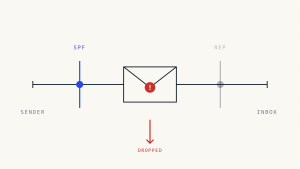
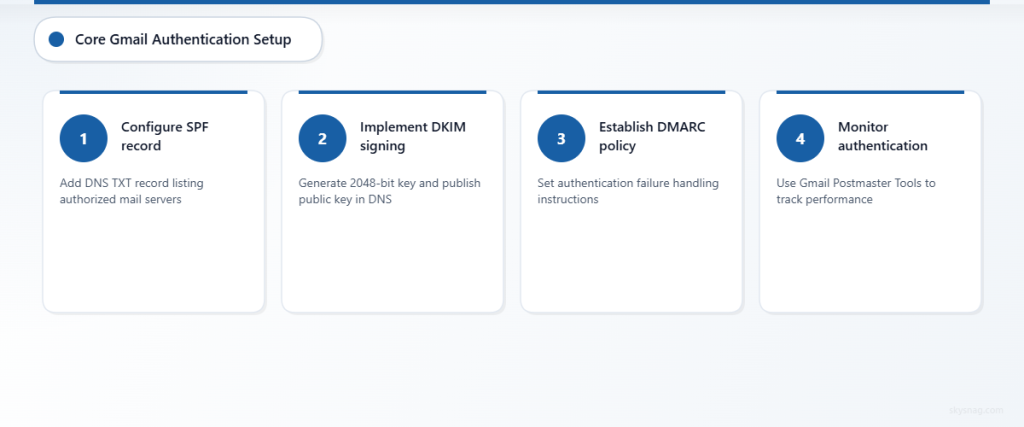
SPF (Sender Policy Framework) forms the foundation of Gmail deliverability. This DNS record specifies which mail servers can send emails on behalf of your domain. Gmail requires a valid SPF record that includes all legitimate sending sources.
DKIM (DomainKeys Identified Mail) provides cryptographic authentication that proves your emails haven’t been tampered with during transit. Gmail strongly recommends 1024-bit or higher DKIM keys for optimal security and deliverability.
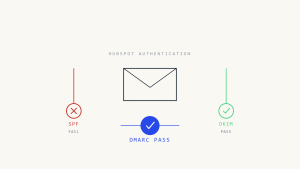
DMARC (Domain-based Message Authentication, Reporting & Conformance) acts as the policy layer that tells Gmail how to handle emails that fail SPF or DKIM authentication. A properly configured DMARC policy significantly improves Gmail deliverability rates.
II. Why Gmail Deliverability Requirements Matter
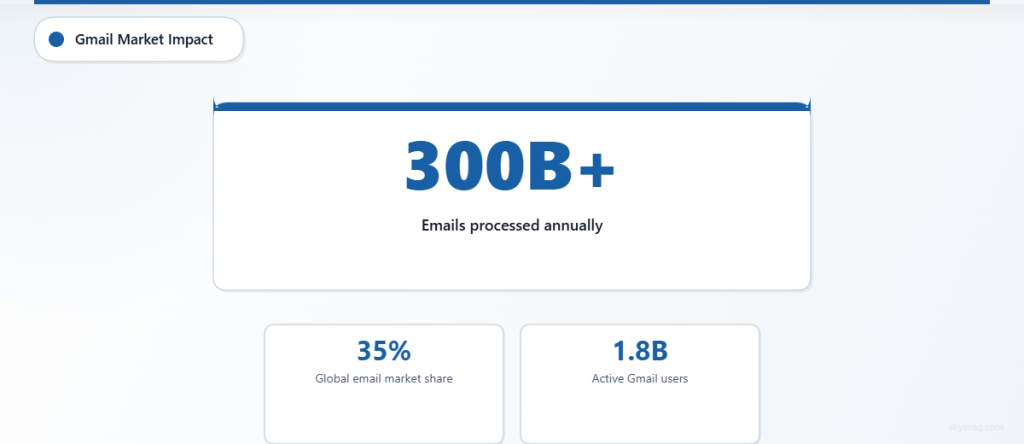
Gmail’s market dominance makes compliance non-negotiable for email marketers. With over 35% of global email market share, Gmail’s filtering decisions directly impact your campaign reach and ROI.
Impact on Business Communications
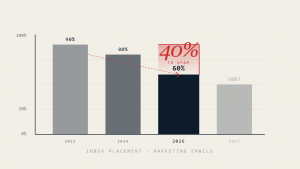
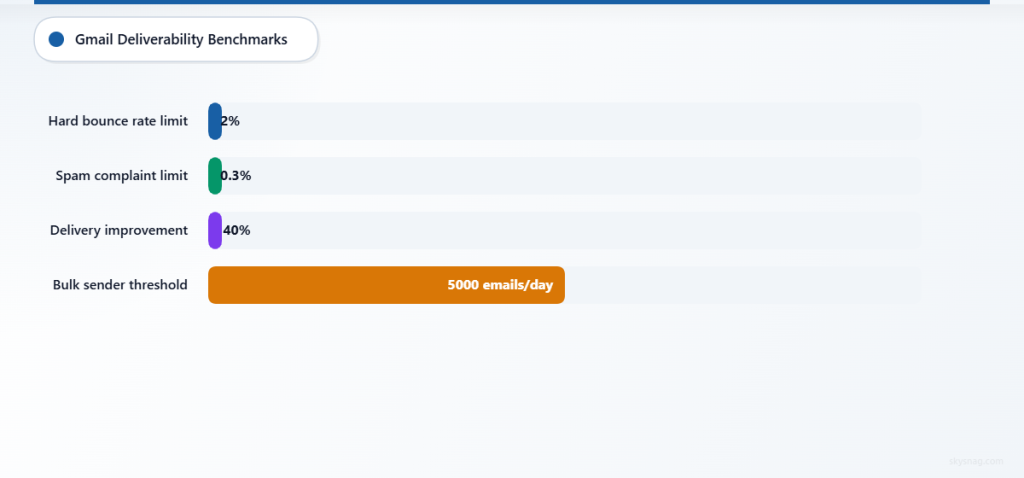
Poor Gmail deliverability affects more than marketing campaigns. Transactional emails, customer support communications, and internal business correspondence all suffer when authentication is inadequate. Companies report up to 40% improvement in email delivery rates after implementing proper authentication protocols.
Google’s Enhanced Protection Measures
Google continuously updates its spam detection algorithms using machine learning and artificial intelligence. The company announced enhanced bulk sender requirements in 2024, requiring additional authentication for senders who email more than 5,000 Gmail recipients daily.
These changes reflect Google’s commitment to user protection and demonstrate the evolving nature of email deliverability standards. Organizations must stay current with Gmail’s requirements to maintain consistent inbox placement.
III. How to Implement Gmail Deliverability Best Practices
1. Configure Proper Domain Authentication
Start with SPF record implementation. Create a TXT record in your domain’s DNS that lists all authorized mail servers:
v=spf1 include:_spf.google.com include:mailgun.org ~allNext, implement DKIM signing through your email service provider. Generate a 2048-bit DKIM key and publish the public key in your DNS records.
Finally, establish a DMARC policy that specifies how Gmail should handle authentication failures:
v=DMARC1; p=reject; rua=mailto:[email protected]; ruf=mailto:[email protected]2. Optimize Sender Reputation
Gmail tracks sender reputation at both the IP and domain level. Maintain consistent sending patterns, avoid sudden volume spikes, and monitor bounce rates closely. Keep hard bounce rates below 2% and spam complaint rates under 0.3%.
Implement proper list hygiene by removing inactive subscribers and validating email addresses before adding them to your database. Use double opt-in procedures to ensure subscriber consent and improve engagement rates.
3. Content and Design Optimization
Gmail’s spam filters analyze email content for suspicious patterns. Avoid excessive capitalization, misleading subject lines, and spam trigger words. Maintain a healthy text-to-image ratio and include a clear unsubscribe mechanism.
Structure your emails with clean HTML and include a plain text version. Test emails across different Gmail interfaces (web, mobile app, IMAP clients) to ensure consistent rendering.
4. Monitor Engagement Metrics
Gmail considers user engagement when determining email placement. Track open rates, click-through rates, and user interactions to gauge campaign performance. Low engagement signals can harm your sender reputation and future deliverability.
Segment your email lists based on engagement levels and adjust sending frequency accordingly. Re-engagement campaigns can help recover inactive subscribers or identify addresses for removal.
5. Leverage Gmail Postmaster Tools
Google provides free monitoring through Gmail Postmaster Tools, offering insights into domain reputation, IP reputation, and delivery errors. Register your sending domains to access valuable data about your Gmail deliverability performance.
Monitor authentication rates, spam feedback, and domain reputation scores regularly. Use this data to identify and address deliverability issues before they impact campaign performance.
6. Implement Advanced Protection Measures
Consider using Skysnag Protect to monitor your email authentication records and receive alerts about configuration issues that could harm Gmail deliverability. Proper DMARC monitoring ensures your authentication remains effective against evolving threats.
Brand protection services help prevent domain spoofing attacks that can damage your sender reputation with Gmail. Monitor for unauthorized use of your domain in email campaigns that could trigger spam filters.
IV. Gmail Spam Filter Mechanics
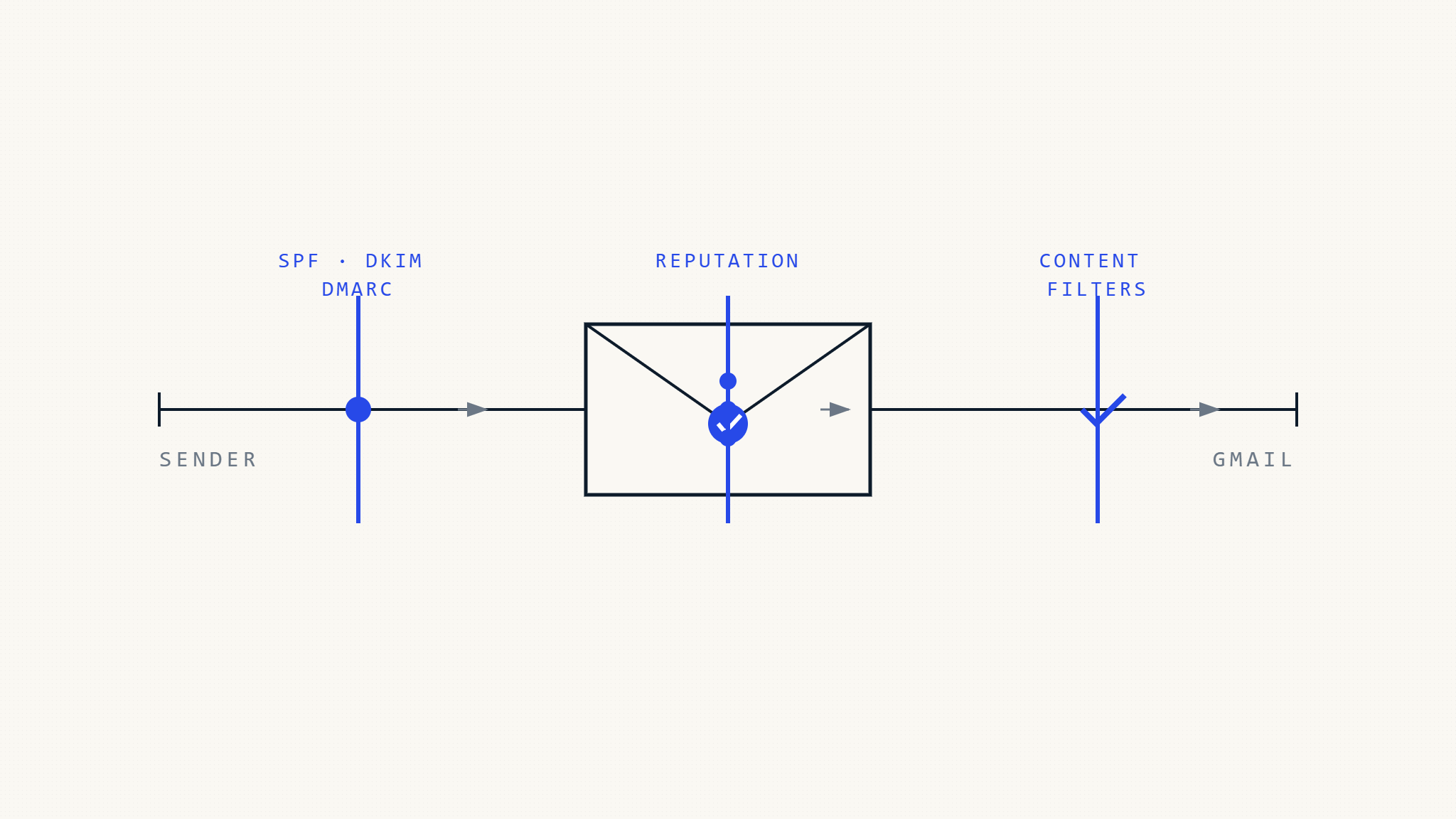
Gmail employs multiple layers of spam detection, including content analysis, sender reputation evaluation, and machine learning algorithms. Understanding these mechanisms helps optimize your email campaigns for better deliverability.
Content-Based Filtering
Gmail analyzes email content for spam indicators, including suspicious links, misleading subject lines, and known phishing patterns. The system considers context, sender history, and recipient engagement when making filtering decisions.
Behavioral Analysis
Gmail tracks user interactions with your emails to determine future placement. High deletion rates, low open rates, and spam complaints signal poor content quality and can trigger automatic filtering.
Real-Time Reputation Assessment
Gmail continuously evaluates sender reputation based on authentication compliance, volume patterns, and recipient feedback. Sudden changes in sending behavior or authentication failures can trigger temporary filtering.
V. Common Gmail Deliverability Challenges
Authentication Failures
Misconfigured SPF, DKIM, or DMARC records cause immediate deliverability problems. Regular monitoring and testing prevent authentication issues that trigger Gmail’s spam filters.
IP Warming Requirements
New sending IPs require gradual volume increases to establish positive reputation with Gmail. Rushing this process often results in temporary or permanent blocking.
Content Compliance Issues
Gmail’s algorithms detect promotional content that violates anti-spam guidelines. Ensure compliance with CAN-SPAM requirements and Google’s email policies.
VI. Key Takeaways
Gmail deliverability requires comprehensive authentication implementation, including properly configured SPF, DKIM, and DMARC records. Sender reputation management through consistent sending practices and engagement monitoring directly impacts inbox placement rates.
Content optimization and compliance with Gmail’s spam filter requirements ensure your emails reach intended recipients. Regular monitoring through Gmail Postmaster Tools provides essential insights for maintaining optimal deliverability performance.
Implementing robust email authentication and monitoring solutions protects your domain reputation while maximizing Gmail deliverability. Consider Skysnag Protect to maintain continuous oversight of your email authentication infrastructure and prevent deliverability issues before they impact your campaigns.