When SPF (Sender Policy Framework) goes wrong, legitimate business emails end up in spam folders or disappear entirely. Despite being designed to prevent spoofing, misconfigured SPF records paradoxically trigger the very filtering they’re meant to avoid.
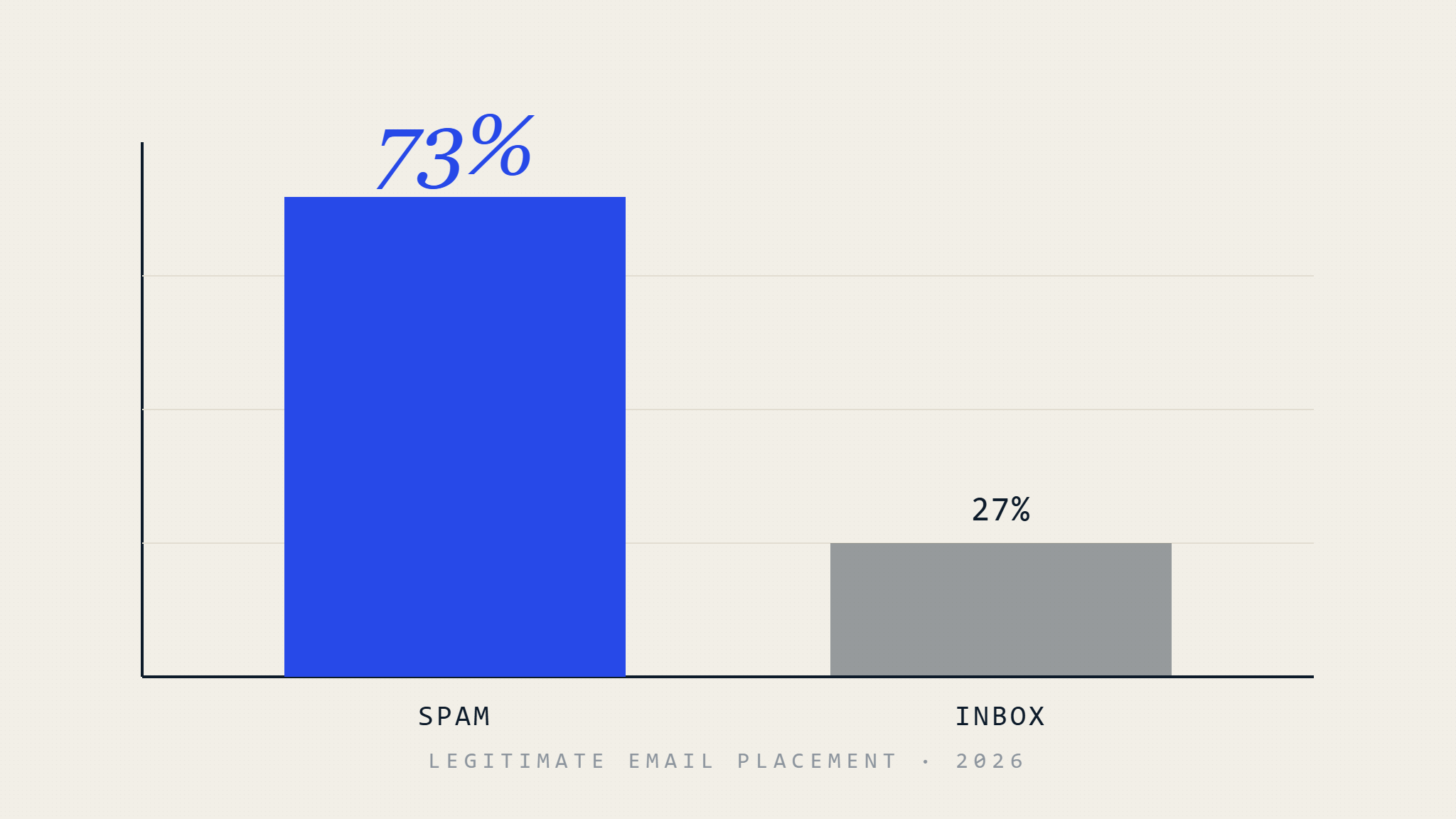
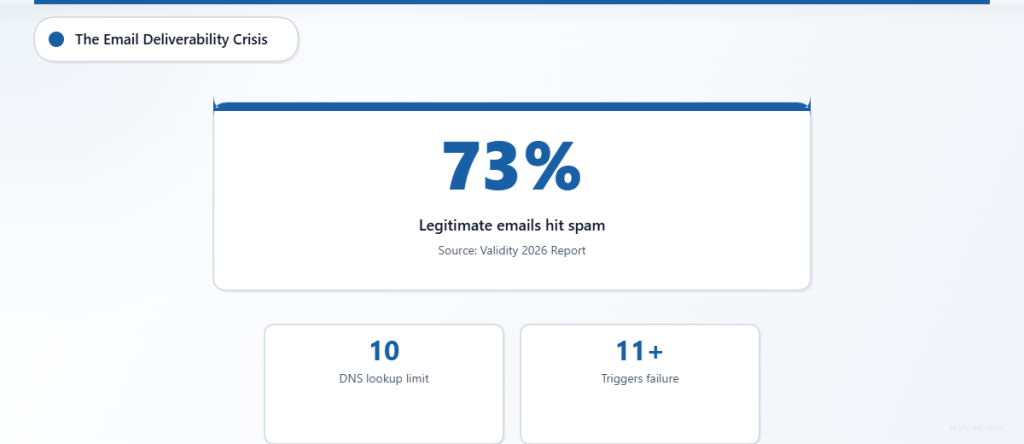
The deliverability crisis is real. According to Validity’s 2026 Deliverability Benchmark Report, 73% of legitimate business emails fail to reach the primary inbox, with authentication failures being a leading contributor. Organizations spend months perfecting their email campaigns, only to discover their SPF configuration is sabotaging delivery before recipients ever see their messages.
I. The Incident: How SPF Misconfigurations Destroy Deliverability
DNS Lookup Exhaustion
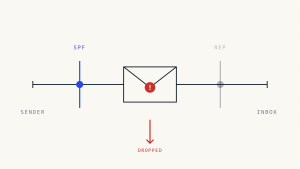
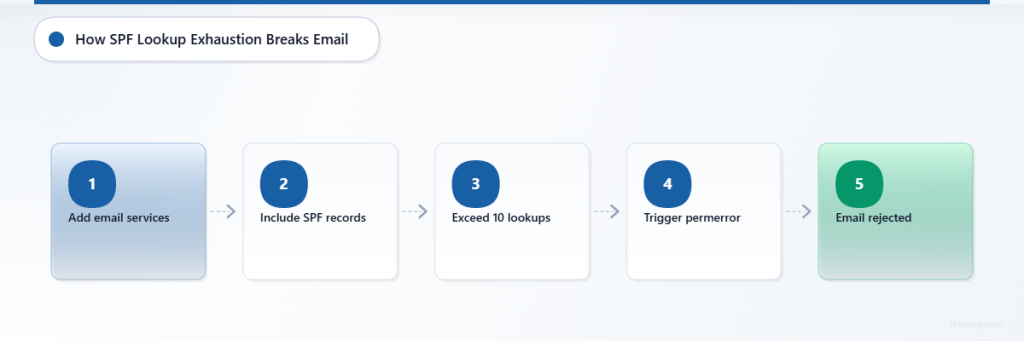
SPF records can contain up to 10 DNS lookups before triggering a “permerror” (permanent error). Each include: mechanism counts as one lookup, and nested includes multiply the count. When exceeded, receiving servers reject emails regardless of legitimate sending sources.
Where it fails: Organizations add multiple email services without auditing lookup counts. A typical enterprise might include Google Workspace (include:_spf.google.com), Mailchimp (include:servers.mcsv.net), Salesforce (include:_spf.salesforce.com), and several others, unknowingly crossing the 10-lookup threshold.
Failure visibility: Most organizations never know they’ve exceeded the limit. The error occurs during recipient server processing, not at send time. Bounces may not mention SPF specifically, leaving senders unaware their authentication is broken.
The “Too Many DNS Lookups” Silent Killer
v=spf1 include:_spf.google.com include:servers.mcsv.net
include:_spf.salesforce.com include:spf.mandrillapp.com
include:mailgun.org include:_spf.createsend.com
include:spf.mtasv.net include:_spf.eloqua.com
include:mktomail.com include:_spf.pardot.com
include:amazonses.com ~all
This record contains 11 includes, exceeding SPF’s 10-lookup limit and causing automatic failure.
Envelope vs. Header From Misalignment
SPF validates the envelope sender (MAIL FROM), not the header From address visible to recipients. When these don’t align, SPF can pass while providing zero spoofing protection. Third-party email services commonly use their own domains in the envelope sender, breaking the authentication chain.
Critical failure mode: Marketing platforms often send with envelope addresses like [email protected] while displaying [email protected] in the header. SPF passes for the service provider’s domain but fails to protect your brand domain from spoofing.
Void Lookups and Nested Include Traps
Each void DNS lookup (pointing to non-existent domains) counts toward the 10-lookup limit without providing authorization. Nested includes create multiplicative effects where one include: statement might trigger several underlying lookups.
When third-party services update their SPF records, your record can break without warning. A vendor adding one additional include to their SPF record might push your total lookups over the limit, causing silent authentication failures across all your email streams.
II. The Deliverability Impact: Beyond Authentication Failure
Reputation Contamination
Failed SPF authentication doesn’t just affect individual messages—it damages sender reputation over time. Internet Service Providers (ISPs) track authentication consistency, and sporadic SPF failures signal poor email hygiene. Even when SPF eventually passes, previous failures continue influencing delivery algorithms.
Major email providers like Gmail and Outlook heavily weight authentication signals in their filtering decisions. Consistent SPF failures can trigger automatic spam classification, requiring months of clean sending to rebuild reputation scores.
Cascade Effects Through Email Ecosystem
SPF failures create downstream problems throughout the email delivery chain. Email security gateways become more aggressive with unauthenticated messages. Internal spam filters flag emails from SPF-failing domains. Third-party reputation services downgrade domain scores based on authentication inconsistencies.
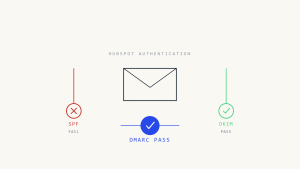
The impact compounds when DMARC policies reference SPF. Organizations with p=quarantine or p=reject DMARC policies can experience complete message loss when SPF fails, as DMARC requires at least one aligned authentication method to pass.
Business Communication Breakdown
Customer service emails fail to reach recipients. Marketing campaigns disappear without trace. Sales follow-ups land in spam folders. Password reset emails never arrive. The business impact extends far beyond marketing metrics to core operational communications.
III. Prevention: Engineering Resilient SPF Configuration
SPF Optimization and Flattening
SPF record flattening replaces include mechanisms with direct IP addresses, reducing DNS lookup counts. Instead of include:_spf.google.com, use the actual IP ranges: ip4:209.85.128.0/17 ip4:64.233.160.0/19. This eliminates lookup dependencies while maintaining authorization.
However, flattening requires ongoing maintenance as service providers change IP addresses. Skysnag Protect automates this process, monitoring IP changes and updating flattened records to prevent delivery failures.
Where flattening fails: Static IP lists become outdated when cloud services rotate addresses. Manual flattening creates operational overhead and introduces human error risks.
Multiple SPF Record Architecture
For complex email infrastructures, implement domain-based segmentation. Use subdomains for different email streams:
marketing.company.comfor campaignstransactional.company.comfor automated messagesinternal.company.comfor employee communications
Each subdomain maintains its own optimized SPF record, preventing lookup limit conflicts while providing granular control over authentication policies.
Monitoring and Validation Systems
Deploy continuous SPF validation to catch configuration drift before it impacts delivery. Monitor DNS response times for included domains, track lookup counts across all mechanisms, and validate IP address coverage for authorized senders.
Key monitoring points:
- DNS lookup count validation (staying under 10)
- Void lookup detection and removal
- IP address change tracking for included domains
- SPF syntax validation and policy testing
Third-Party Integration Strategy
Audit all email-sending services and consolidate where possible. Many organizations discover they’re using multiple services for similar functions, unnecessarily inflating SPF lookup counts. Negotiate with vendors to use dedicated IP addresses instead of shared include mechanisms.
Document every include mechanism with business justification, owner contact, and review schedule. Implement approval processes for adding new email services to prevent uncontrolled SPF record growth.
IV. Implementation Checklist
Use this checklist as a practical framework for SPF optimization. The specific requirements will depend on your email infrastructure complexity and third-party integrations.
- [ ] Audit current SPF record for DNS lookup count and identify all include mechanisms
- [ ] Document business justification for each email service and eliminate unused includes
- [ ] Implement SPF record flattening for high-volume sending domains
- [ ] Configure subdomain segmentation for different email streams (marketing, transactional, internal)
- [ ] Deploy automated monitoring for DNS lookup limits and void lookup detection
- [ ] Establish change management processes for email service additions
- [ ] Test SPF validation across major email providers using authentication test tools
- [ ] Monitor delivery metrics correlation with SPF authentication success rates
- [ ] Implement DMARC alignment validation to ensure SPF supports overall authentication strategy
- [ ] Create incident response procedures for SPF-related delivery failures
V. Key Takeaways
SPF configuration errors silently undermine email deliverability, with 73% of legitimate emails missing primary inboxes due to authentication and reputation factors. The 10 DNS lookup limit creates hidden failure conditions that organizations rarely detect until delivery problems emerge.
Successful SPF management requires treating it as critical infrastructure, not a one-time setup task. DNS lookup optimization, continuous monitoring, and systematic third-party integration management prevent authentication failures that damage sender reputation and business communications.
Skysnag Protect provides automated SPF optimization and monitoring, eliminating manual configuration errors while ensuring consistent email authentication that supports reliable message delivery.