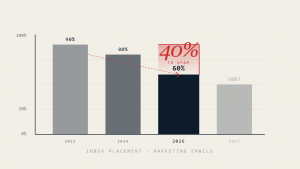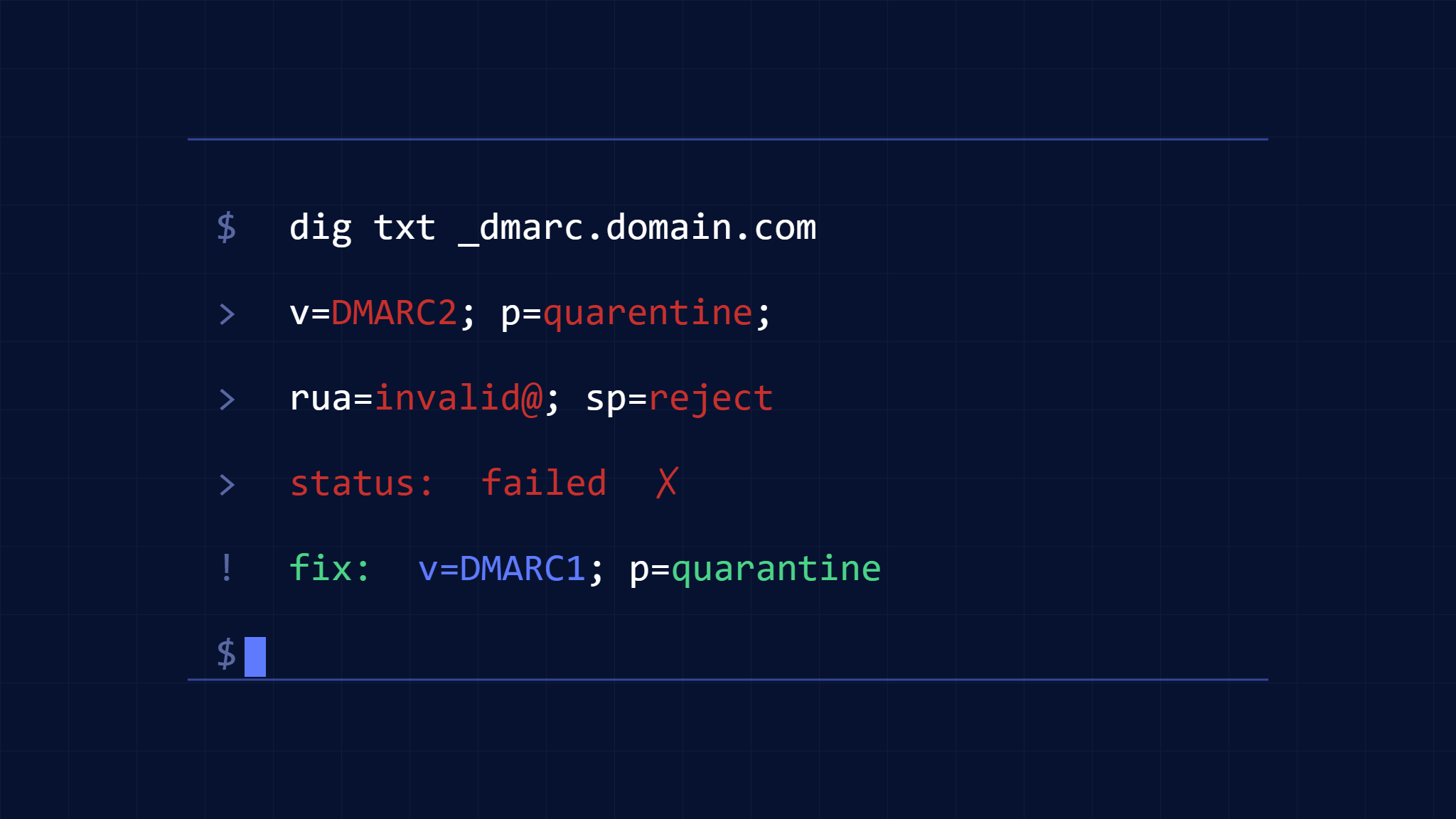
Poor inbox placement rates often trace back to DMARC configuration errors that create deliverability blind spots. While DMARC authentication passing doesn’t guarantee inbox delivery, misconfigurations can trigger automated filtering systems and undermine sender reputation signals that major email providers rely on for placement decisions.
Email providers like Gmail, Outlook, and Yahoo use DMARC policy signals as part of their reputation algorithms, but implementation errors can cause legitimate emails to fail authentication or send conflicting signals about your domain’s security posture. These failures commonly cascade into reduced inbox placement rates, particularly for high-volume senders.
I. How DMARC Errors Impact Inbox Placement Rate
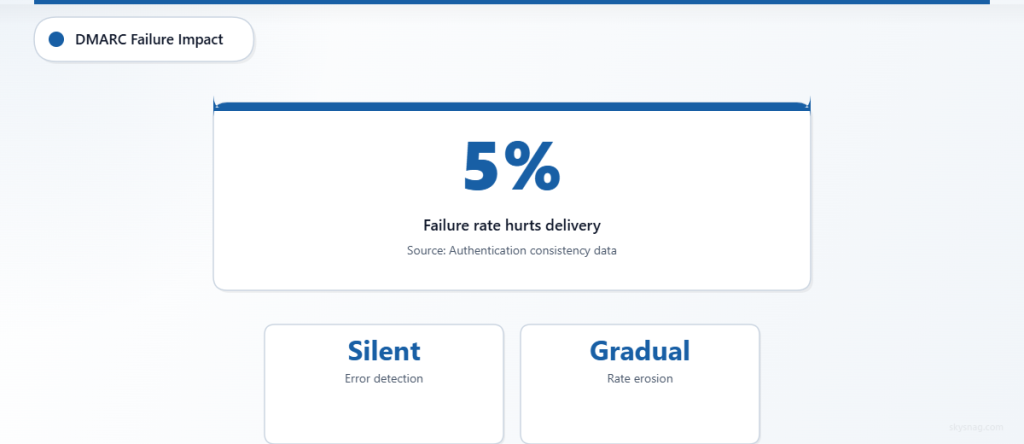
DMARC errors affect deliverability through multiple pathways that extend beyond simple authentication failures. Modern email filtering systems analyze authentication consistency, policy progression, and aggregate reputation signals when making inbox placement decisions.
Authentication Inconsistency creates the most immediate impact on inbox placement rates. When DMARC alignment fails intermittently due to configuration errors, receiving systems may flag your domain as having inconsistent authentication practices. This inconsistency commonly indicates compromised infrastructure or poor email hygiene to automated filtering systems.
Policy Signal Confusion occurs when DMARC policies contradict actual sending patterns. A domain with p=quarantine that frequently fails alignment may trigger more aggressive filtering than a domain with p=none and consistent authentication. Email providers interpret policy choices as indicators of domain security maturity.
Subdomain Inheritance Issues can create authentication gaps that impact deliverability across your entire domain ecosystem. When subdomains inherit incorrect DMARC policies or lack proper SPF/DKIM coverage, authentication failures on marketing.example.com can affect reputation signals for the parent example.com domain.
However, DMARC errors can fail silently in ways that gradually erode inbox placement rates. DNS resolution timeouts, record syntax errors, and alignment misconfigurations may not trigger obvious bounce messages but can systematically reduce deliverability performance over time.
II. Assessment: DMARC Configuration Impact Analysis
Before implementing fixes, evaluate how your current DMARC setup affects inbox placement rate metrics. This assessment helps prioritize remediation efforts based on actual deliverability impact rather than theoretical best practices.
Start by collecting inbox placement data from your email service provider or deliverability monitoring tools. Compare placement rates across different recipient domains (Gmail, Outlook, Yahoo) and correlate with DMARC authentication results from your aggregate reports.
Authentication Consistency Review should examine DMARC pass rates across all sending sources. Download your most recent aggregate reports and calculate alignment success rates for both SPF and DKIM. Consistent failure rates above 5% commonly indicate configuration issues that impact deliverability.
Policy Enforcement Analysis requires reviewing how receiving systems handle your DMARC failures. Even with p=none policies, some providers apply reputation penalties for frequent authentication failures. Check whether domains with higher DMARC pass rates show better inbox placement performance.
Third-Party Service Integration assessment identifies authentication gaps from services not covered by your DMARC policy. Marketing platforms, CRM systems, and notification services may send on your behalf without proper SPF includes or DKIM signing, creating authentication failures that hurt deliverability.
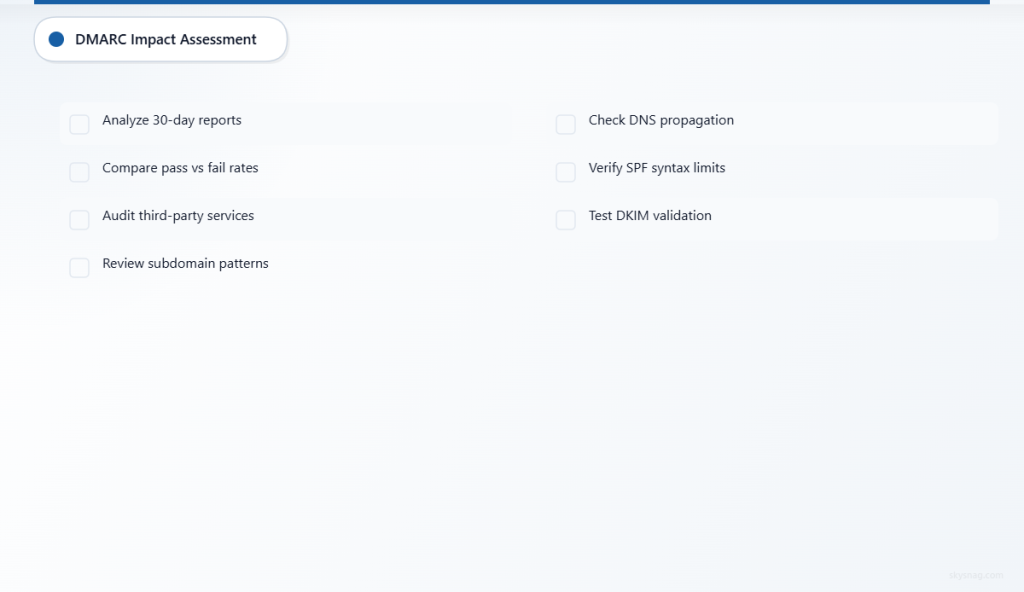
Use this checklist to systematically evaluate your DMARC configuration’s impact on inbox placement rates:
- [ ] Download and analyze DMARC aggregate reports from the past 30 days to identify authentication failure patterns.
- [ ] Compare inbox placement rates between emails that pass DMARC authentication versus those that fail alignment.
- [ ] Audit all third-party services sending email on your domain’s behalf for proper SPF and DKIM configuration.
- [ ] Review subdomain sending patterns to identify inheritance issues affecting your main domain’s reputation.
- [ ] Check DNS propagation and resolution for your DMARC record across major public DNS servers.
- [ ] Verify SPF record syntax and ensure it doesn’t exceed the 10 DNS lookup limit that causes authentication failures.
- [ ] Test DKIM signature validation across different email clients and receiving systems.
III. Actions: Fix Critical DMARC Errors Destroying Deliverability
Error 1: SPF Record Exceeds 10 DNS Lookups
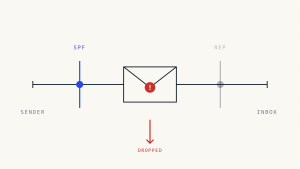
SPF records that require more than 10 DNS lookups automatically fail with a “PermerError” result, causing DMARC alignment failures even when the sending IP is authorized. This error commonly occurs when organizations add multiple third-party services without consolidating include statements.
Immediate Fix: Audit your SPF record using online tools that count DNS lookups. If you exceed 10 lookups, consolidate includes by:
- Replacing multiple include statements with a single include for your ESP’s consolidated record
- Converting include mechanisms to ip4/ip6 statements where possible
- Removing unused or deprecated service includes
Long-term Solution: Implement SPF flattening services or maintain a custom SPF record that stays within lookup limits as you add new services.
Error 2: DKIM Signatures Failing Due to Body Modification
Email content modification by security gateways, mailing list software, or marketing platforms can break DKIM signatures, causing authentication failures that hurt inbox placement rates. This commonly occurs when third-party services add footers, tracking pixels, or security warnings to your emails.
Detection Method: Monitor DKIM validation results in your DMARC reports for specific sending sources. High failure rates from particular services indicate body modification issues.
Resolution Strategy: Configure services to add content before DKIM signing occurs, use DKIM signing that’s resilient to minor modifications (relaxed canonicalization), or implement dual-signing strategies where both your domain and the service provider sign messages.
Error 3: Subdomain DMARC Inheritance Creating Authentication Gaps
Subdomains without explicit DMARC records inherit the parent domain’s policy, which may not account for different sending patterns or authentication requirements. This inheritance can cause legitimate subdomain email to fail DMARC even when properly authenticated.
Assessment Approach: Review DMARC aggregate reports for subdomain authentication results. Look for subdomains showing high failure rates or unexpected sending volumes that indicate shadow IT email practices.
Corrective Action: Create specific DMARC records for active sending subdomains with appropriate policies. Marketing subdomains may require p=none initially while you implement proper authentication, while security-sensitive subdomains might use p=reject immediately.
Error 4: Alignment Mode Misconfigurations
DMARC alignment can be set to “relaxed” or “strict” mode, affecting whether subdomains and organizational domains pass alignment requirements. Incorrect alignment settings commonly cause authentication failures for legitimate email patterns.
Common Scenario: Organizations using strict alignment (aspf=s or adkim=s) may fail DMARC when legitimate services send from different subdomains or with slight domain variations.
Solution Framework: Start with relaxed alignment for both SPF (aspf=r) and DKIM (adkim=r) unless you have specific security requirements for strict alignment. Monitor authentication patterns before implementing stricter alignment policies.
Error 5: Missing DKIM Signatures from Critical Services
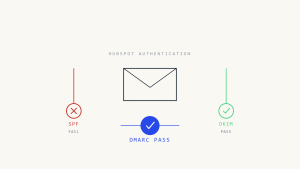
Some email services send without DKIM signatures, relying solely on SPF for DMARC alignment. If SPF fails due to forwarding or configuration issues, these emails fail DMARC entirely, damaging inbox placement rates.
Risk Mitigation: Ensure all critical sending services implement DKIM signing. For services that don’t offer DKIM, consider using a different provider or implementing email relay infrastructure that adds DKIM signatures.
Backup Strategy: Configure dual authentication paths so emails can achieve DMARC alignment through either SPF or DKIM, providing redundancy against single-point authentication failures.
Error 6: Aggressive DMARC Policies Without Proper Monitoring
Organizations implementing p=quarantine or p=reject policies without comprehensive monitoring may unknowingly block legitimate email, creating deliverability issues that extend beyond simple inbox placement rates.
Monitoring Requirements: Before advancing DMARC policies, establish monitoring for:
- Authentication failure alerts from aggregate reports
- Delivery failure notifications from your email infrastructure
- User complaints about missing emails
- Third-party service integration testing results
Gradual Implementation: Use percentage-based deployment (pct=) to test policy enforcement on a subset of your email volume before full implementation.
Error 7: Outdated DNS Records Causing Resolution Failures
DNS propagation issues, stale records, or provider configuration changes can cause intermittent DMARC record resolution failures that create inconsistent authentication results and hurt deliverability performance.
Prevention Measures: Implement DNS monitoring that alerts on DMARC record resolution failures. Test record resolution from multiple geographic locations and DNS providers to identify propagation issues.
Redundancy Planning: Consider using multiple DNS providers or implementing DNS failover mechanisms for critical email authentication records.
IV. Automate: Continuous DMARC Optimization for Inbox Placement

Skysnag Protect provides automated monitoring and optimization tools that help maintain high inbox placement rates by preventing DMARC errors before they impact deliverability. The platform’s real-time analysis identifies authentication issues and provides specific remediation guidance.
Automated Error Detection continuously monitors your DMARC aggregate reports to identify patterns that commonly lead to inbox placement issues. Rather than waiting for monthly manual reviews, the system flags authentication problems within hours of occurrence.
Policy Optimization Recommendations analyze your authentication success rates and suggest DMARC policy adjustments that improve deliverability without compromising security. The platform considers your specific sending patterns when recommending policy progressions.
Third-Party Integration Monitoring tracks authentication performance across all your email services and alerts you when new integrations create DMARC failures that could hurt inbox placement rates.
SPF Record Management automatically monitors DNS lookup counts and provides consolidated record recommendations that maintain authentication coverage while staying within technical limits.
For organizations sending high email volumes or managing complex email ecosystems, automated DMARC optimization becomes essential for maintaining consistent inbox placement rates while scaling email operations securely.
V. Key Takeaways
DMARC errors create multi-layered impacts on inbox placement rates that extend beyond simple authentication failures. Modern email providers use DMARC signals as reputation indicators, making configuration accuracy critical for deliverability success.
The most damaging errors involve inconsistent authentication patterns that signal poor email hygiene to receiving systems. SPF lookup limits, DKIM signature failures, and subdomain inheritance issues create these consistency problems more commonly than outright authentication failures.
Successful DMARC implementation requires balancing security policies with operational requirements. Overly aggressive policies without proper monitoring can hurt legitimate email delivery, while insufficient authentication coverage leaves gaps that impact sender reputation.
Continuous monitoring and gradual policy implementation provide the most reliable path to improved inbox placement rates. Organizations that treat DMARC as an ongoing optimization process rather than a one-time configuration typically see better long-term deliverability performance.