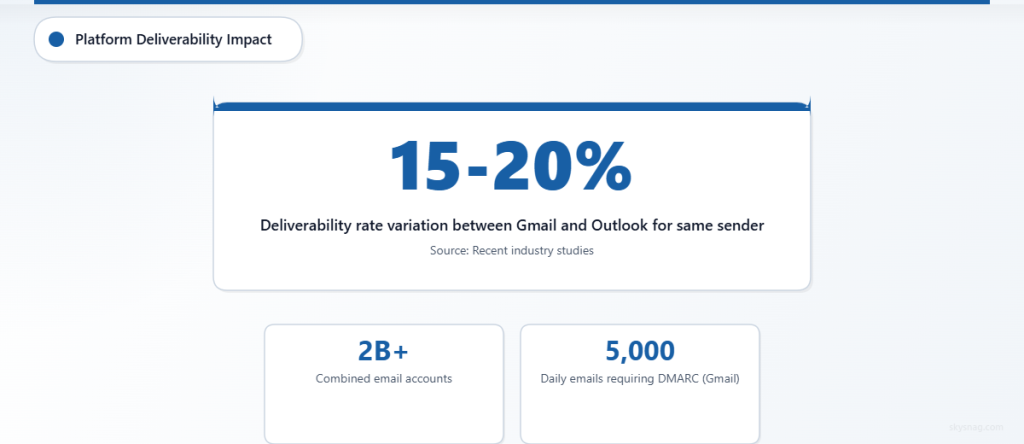
Email deliverability isn’t a one-size-fits-all challenge. Gmail and Outlook, which collectively handle over 2 billion email accounts globally, each employ distinct filtering algorithms and authentication requirements that can make or break your email campaigns. Understanding these platform-specific differences is crucial for maintaining strong sender reputation and ensuring your messages reach the intended recipients.
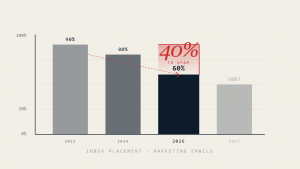
Recent studies show that email deliverability rates can vary by as much as 15-20% between Gmail and Outlook for the same sender, highlighting the importance of tailored optimization strategies. Whether you’re managing corporate communications or marketing campaigns, knowing how these major providers evaluate incoming mail will significantly impact your email success rates.
I. Understanding Gmail’s Deliverability Framework
Gmail’s Advanced Machine Learning Approach
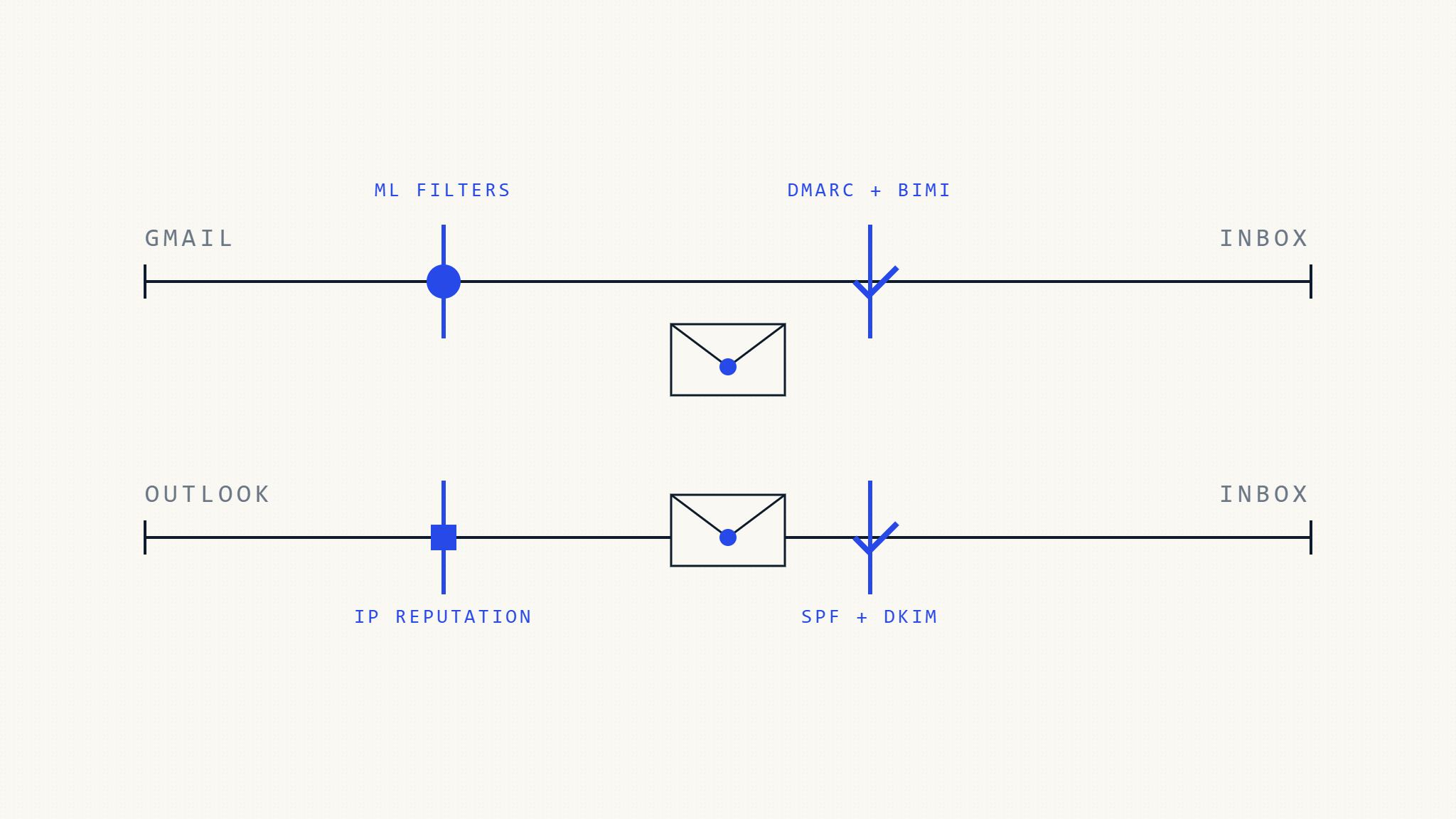
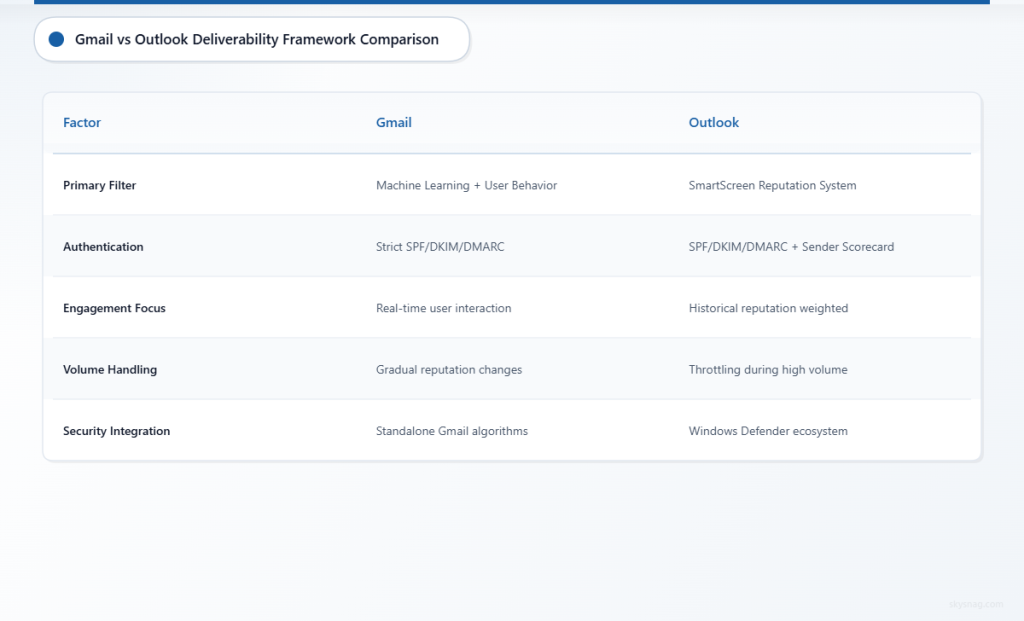
Gmail leverages sophisticated machine learning algorithms that continuously evolve based on user behavior patterns. The platform analyzes hundreds of factors simultaneously, including sender reputation, content patterns, user engagement metrics, and authentication status. Gmail’s system particularly emphasizes recipient engagement, meaning emails that consistently receive opens, replies, and forwards are more likely to reach the inbox in future campaigns.
The platform implements real-time reputation scoring that can change rapidly based on sending patterns. Gmail also employs image recognition technology to identify potentially harmful content and uses natural language processing to detect phishing attempts and spam patterns. This multi-layered approach makes Gmail’s filtering system highly effective but also requires senders to maintain consistent, high-quality sending practices.
Gmail-Specific Authentication Requirements
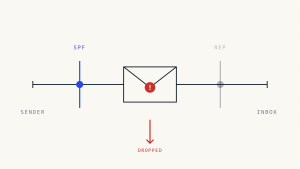
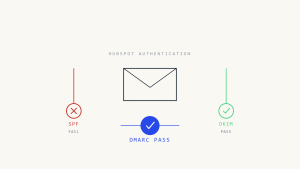
Gmail strongly enforces SPF, DKIM, and DMARC authentication, with DMARC compliance becoming increasingly critical. The platform requires proper domain alignment and will typically quarantine or reject emails that fail authentication checks. Gmail also implements strict requirements for bulk senders, requiring DMARC policies for domains sending over 5,000 messages daily.
Additionally, Gmail has introduced enhanced authentication requirements for promotional and marketing emails, including mandatory unsubscribe mechanisms and clear sender identification. The platform also monitors for consistent “From” header information and penalizes senders who frequently change their sending patterns without proper authentication updates.
II. Outlook’s Deliverability Architecture
Microsoft’s Reputation-Based Filtering
Outlook (including Hotmail and Live.com) employs a reputation-based system called SmartScreen that heavily weighs sender reputation alongside content analysis. The platform maintains detailed sender scorecards that track delivery rates, complaint rates, and spam trap hits. Outlook’s system is generally more forgiving of occasional reputation dips but can be harsh on senders who consistently generate complaints or exhibit suspicious sending patterns.
Microsoft’s filtering system also incorporates data from its broader security ecosystem, including threat intelligence from Windows Defender and Office 365 security services. This integration allows Outlook to identify and block threats more quickly but can also result in false positives for legitimate senders who trigger broader security algorithms.
Outlook’s Infrastructure Considerations
Outlook operates on a distributed infrastructure that can result in varying deliverability experiences across different servers and regions. The platform implements throttling mechanisms that can delay email delivery during high-volume periods, and sender reputation can vary between different Outlook server clusters. Understanding these infrastructure nuances is crucial for optimizing delivery timing and volume distribution.
Microsoft also maintains separate reputation systems for different types of sending, with transactional emails often receiving different treatment than marketing communications. The platform provides detailed feedback through its postmaster tools, offering insights into delivery rates, reputation status, and specific issues affecting deliverability.
III. Platform-Specific Optimization Strategies
Gmail Optimization Tactics
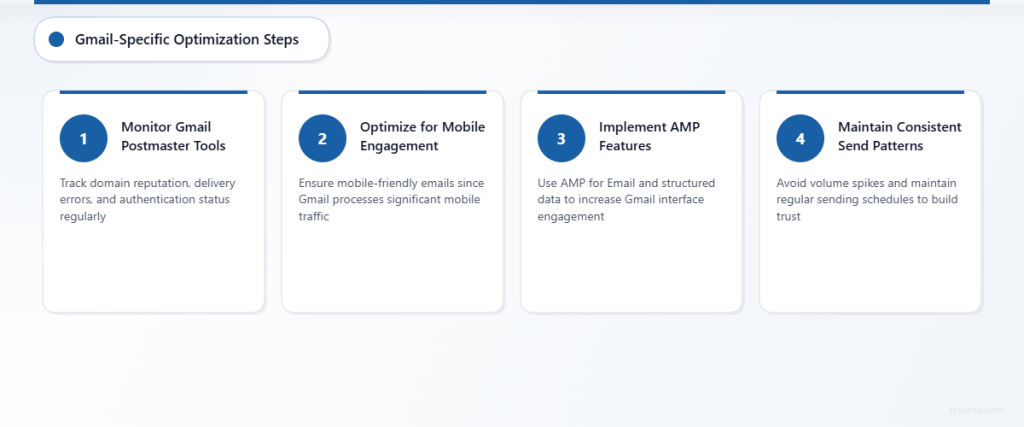
For Gmail deliverability, focus on building strong engagement metrics through targeted, relevant content that encourages recipient interaction. Implement proper list hygiene practices and remove inactive subscribers regularly, as Gmail heavily penalizes senders with consistently low engagement rates. Use Gmail Postmaster Tools to monitor domain reputation, delivery errors, and authentication status.
Optimize send timing based on recipient time zones and behavior patterns, as Gmail’s algorithms favor emails sent when recipients are most likely to engage. Maintain consistent sending volumes and avoid sudden spikes that might trigger spam filters. Additionally, ensure your emails are mobile-optimized since Gmail processes a significant percentage of emails on mobile devices.
Consider implementing AMP for Email features to increase engagement within Gmail, and use structured data markup to enhance email display in the Gmail interface. Regularly monitor your sender reputation through Gmail Postmaster Tools and address any authentication or delivery issues promptly.
Outlook Optimization Approaches
For Outlook deliverability, prioritize building and maintaining strong sender reputation through consistent sending practices and low complaint rates. Enroll in Microsoft’s Smart Network Data Services (SNDS) to monitor your IP reputation and delivery statistics. Focus on list quality over quantity, as Outlook’s reputation system heavily weighs complaint rates and spam trap hits.
Implement proper throttling strategies to avoid overwhelming Outlook’s servers, particularly during initial IP warm-up phases or when scaling sending volumes. Use clear, descriptive subject lines and avoid spam trigger words that might activate content filters. Maintain consistent “From” names and email addresses to build sender recognition.
Take advantage of Outlook’s feedback loop services to automatically handle unsubscribes and complaints, and respond quickly to delivery issues identified through SNDS reporting. Consider using dedicated IP addresses for high-volume sending to maintain better control over sender reputation.
Universal Best Practices for Both Platforms
Implement comprehensive email authentication using Skysnag Protect to ensure proper SPF, DKIM, and DMARC configuration across both platforms. This unified approach helps maintain consistent authentication status regardless of the receiving provider. Both Gmail and Outlook increasingly require proper authentication for reliable inbox placement.
Maintain separate reputation management strategies for each platform while following universal deliverability principles like list hygiene, content quality, and consistent sending patterns. Regular monitoring and testing across both platforms will help identify platform-specific issues before they impact overall deliverability performance.
IV. Winner: Platform-Specific Approach Required
Neither Gmail nor Outlook emerges as clearly superior for deliverability, as both platforms serve different purposes and employ distinct filtering methodologies. The key to success lies in understanding each platform’s unique requirements and implementing tailored strategies accordingly.
Gmail’s emphasis on engagement metrics and machine learning requires senders to focus heavily on content relevance and recipient interaction. Success with Gmail depends on building strong engagement patterns and maintaining consistent authentication. Outlook’s reputation-based approach demands careful attention to sender reputation management and complaint rate minimization.
The most effective approach involves developing platform-specific optimization strategies while maintaining universal best practices across both environments. This dual approach ensures optimal deliverability performance regardless of where your recipients receive their email.
V. Key Takeaways
Understanding Gmail vs Outlook deliverability differences is essential for email success. Gmail prioritizes engagement metrics and employs advanced machine learning, while Outlook focuses on reputation-based filtering and infrastructure considerations. Both platforms require proper authentication, but their filtering mechanisms and optimization strategies differ significantly.
Success requires implementing platform-specific approaches: engagement-focused strategies for Gmail and reputation management for Outlook. Universal best practices like proper authentication through Skysnag Protect remain crucial for both platforms, but targeted optimization strategies will deliver the best results across your entire email program.