Welcome to Skysnag!
Where you’ll get to experience the power of automated email authentication like never before.


We’re excited to guide you on the journey to automating your email authentication. This quick tour will walk you through the essentials of our platform and help you take the first steps toward achieving compliance.
What is Skysnag?
Skysnag is your all-in-one solution for automating email authentication. Our platform simplifies the process, ensuring that your email communications are secure and compliant with industry global standards.
Why Automate Email Authentication?
Email authentication is critical for protecting your organization from phishing attacks, email spoofing, and other cyber threats. Skysnag automates this process, reduces manual effort, eliminates human errors, and ensures that your domain remains secure. With Skysnag, you can benefit from real-time email authentication with complete peace of mind:
- Consistency and reliability
- Instant threat and error detection
- Enjoy more accurate data
- Efficiency and productivity
- Increase engagement and conversions
- Improved Security
- Save on costs and resources
- Higher quality communications
Quick Tour: Getting Started with Skysnag
1. Dashboard Overview
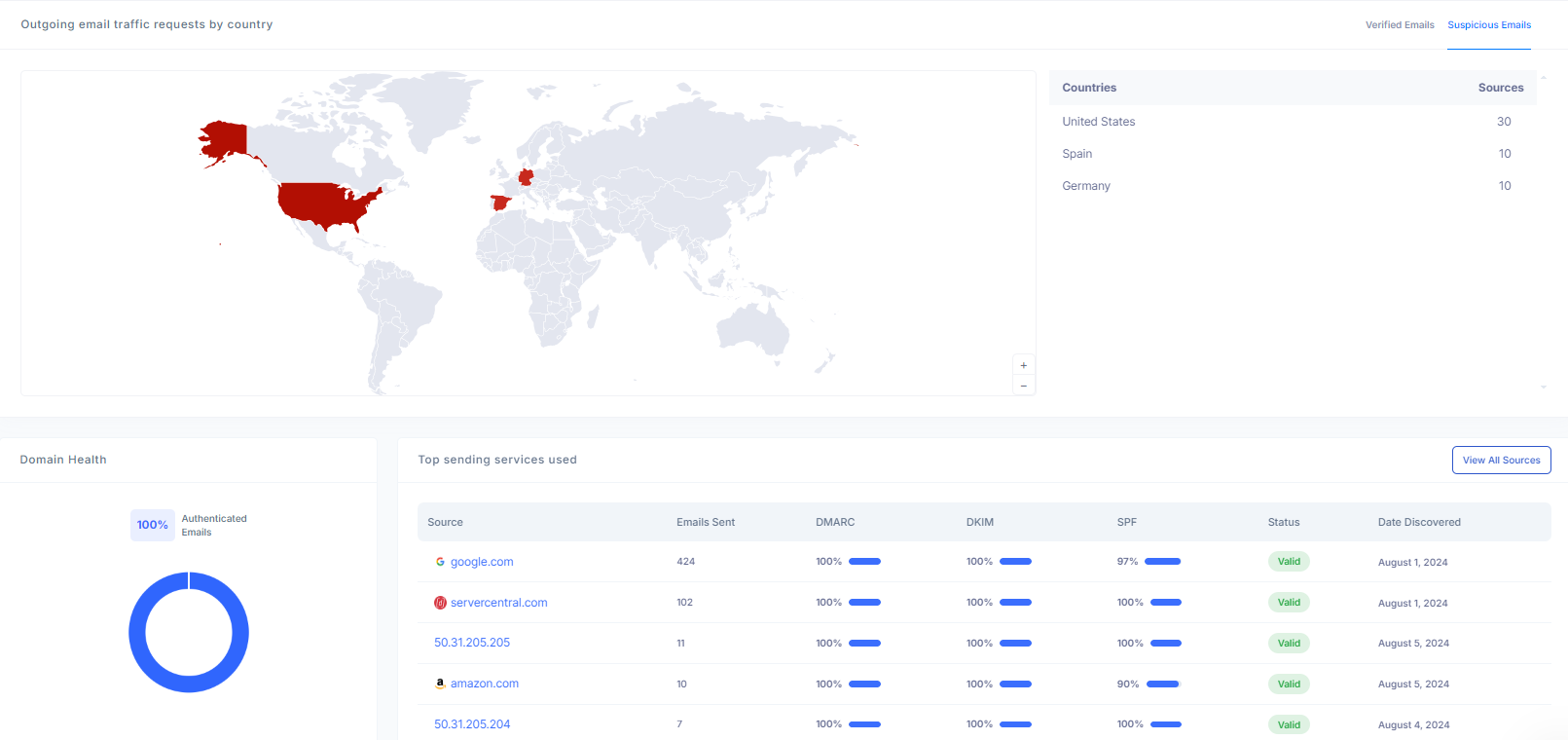
Your Skysnag dashboard provides an at-a-glance overview of your email authentication status. From here, you can easily navigate to different sections to manage and monitor your domains.
2. Onboarding Your DMARC Record (one-time modification)
The first step towards securing your email is onboarding the DMARC record into your DNS. Here’s how:
- Log into Your DNS Management Console: Access the DNS settings for your domain through your hosting provider.
- Add a New CNAME Record: In your DNS management interface, add a new CNAME record.
- Enter the DMARC Details:
- Name/Host/Alias: _dmarc.yourdomain.com
- Value: [Insert the provided CNAME entry here]
- Save the Record: Confirm the changes and save the record. Once the DMARC record is added, it typically takes up to 24 hours for the changes to propagate across the DNS system.
Need help? You are not alone.
3. Monitor your infrastructure
After adding the DMARC record, it’s important to monitor its status for at least 24 hours to ensure everything is functioning as expected.
Fortunately, Skysnag takes the heavy lifting out of monitoring by automatically handling the complex XML reports and providing you with easy-to-understand insights. Keep an eye on your email for status updates on any issues or troubleshooting failures that may cause your emails to fall into spam. Our dashboard offers real-time updates and alerts, so you can focus on what matters most—your business.
4. Domain Guard Recommendations: Advanced Security + Activating Additional Protocols
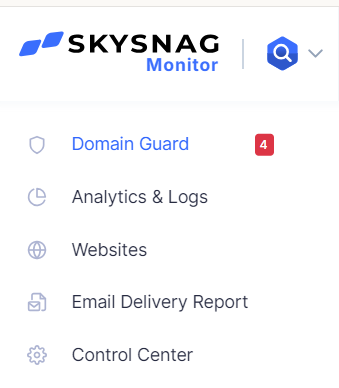
With your DMARC record in place, you’re on the right path. On the sidebar, Skysnag Domain Guard will give you recommendations.
The next steps involve activating the remaining protocols to achieve full compliance:
- SPF (Sender Policy Framework): Set up SPF to validate the sending mail server’s IP address against your domain.
- MTA-STS (Mail Transfer Agent Strict Transport Security): Implement MTA-STS to enforce the use of TLS encryption when your emails are transmitted.
- TLS-RPT (Transport Layer Security Reporting): Enable TLS-RPT for reporting any issues with email delivery over TLS.
- BIMI (Brand Indicators for Message Identification): Finally, set up BIMI to display your brand logo and verified blue checkmark in recipients’ inboxes, enhancing your brand’s trust and recognition.
Thank you!
We would like to express our appreciation for choosing Skysnag as your partner in email authentication We’re here to support you every step of the way as you secure your domain and achieve compliance.